
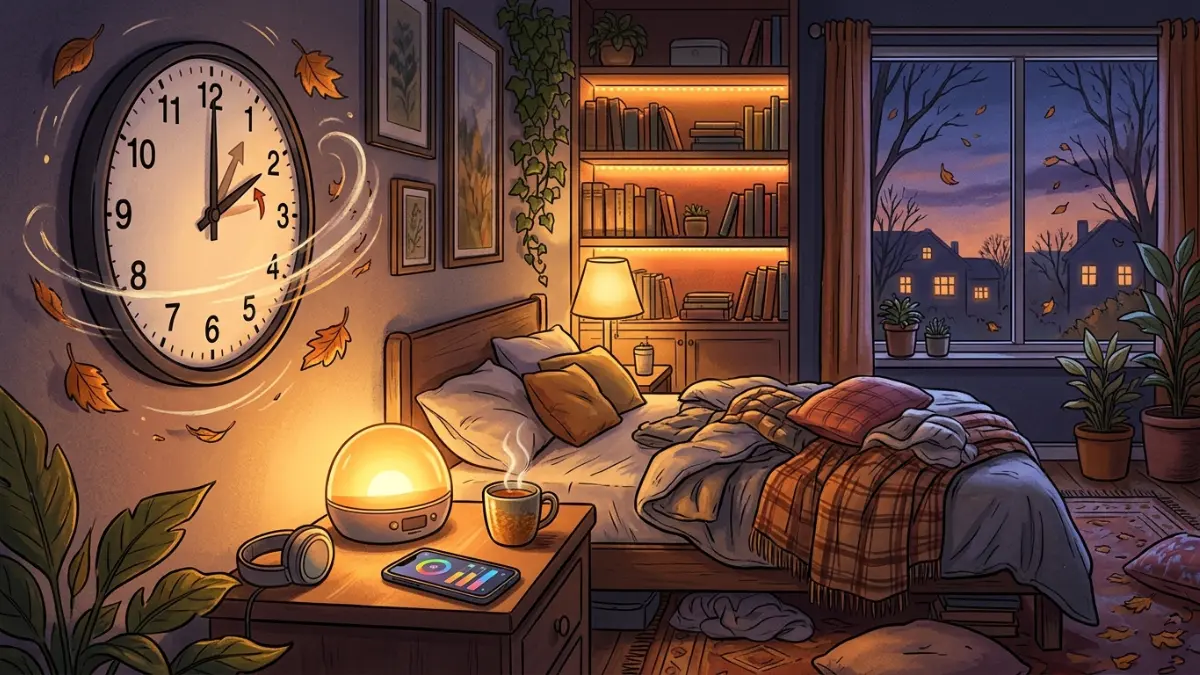

Daylight saving time ends this Sunday, and by next week it’ll be dark before you leave work. That one-hour switch can throw your smart home schedules off and drag your mood down for months. Here’s a 10-minute fix for your lights, thermostat and routines, plus simple ways to use smart lighting to make winter feel a lot less gloomy.
When daylight saving time ends in 2026 (and why it messes with your home and your mood)
Daylight saving time ends this Sunday, November 1, 2026, at 2 a.m. local time. Clocks fall back one hour to 1 a.m. You get an extra hour of sleep, which is nice. What’s less nice is everything that comes after.
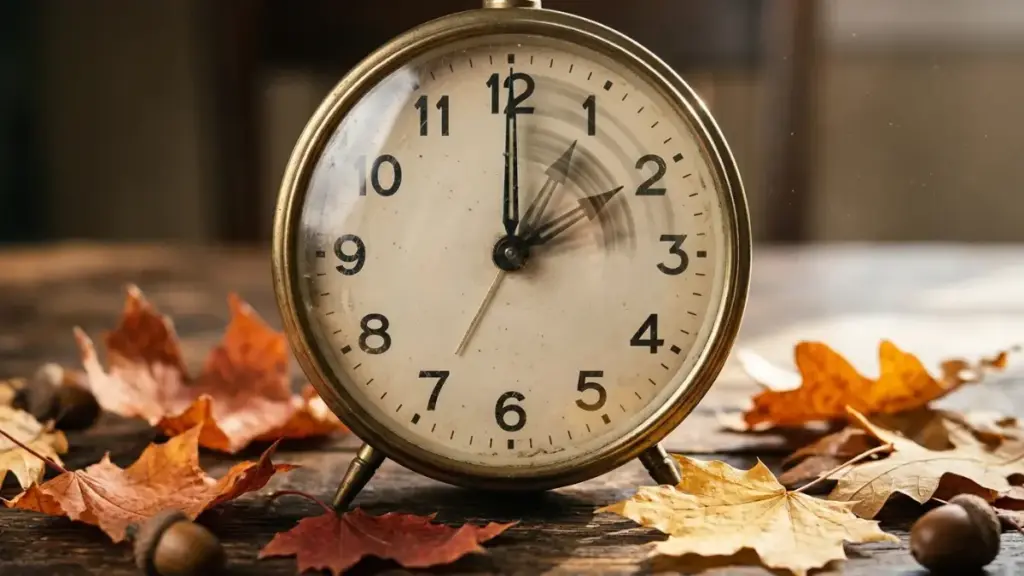
Sunrise and sunset both shift about an hour earlier on the clock overnight. In many northern cities, that means it’s dark before 5 p.m. You leave work and it already feels like night. (Hawaii and most of Arizona skip the whole thing and stay on standard time all year.)
That sudden darkness causes two very different problems.
The first one is in your house. Smart homes run on schedules: lights that switch on at a certain time, thermostats that warm up before you wake, cameras and vacuums that run while you’re out. When the clock jumps, some of those schedules end up firing an hour off, or at the “right” time that now happens in the dark.
The second one is in your head. About 1 in 20 U.S. adults have seasonal affective disorder (SAD), a type of depression that usually starts in late fall and winter, and a lot more people get a milder version people call the “winter blues.” Less daylight is a big part of the reason.
This guide covers both: a quick, device-by-device check to get your smart home back in sync, and how to use smart lighting to make the dark months feel a little brighter.
Part 1: Reset your smart home for the end of daylight saving time
Good news first: anything that connects to the internet through an app (Google Home, Amazon Alexa, Apple Home, SmartThings, and most smart bulbs, plugs and cameras) gets the correct time automatically and switches over on its own. The real work is checking that your schedules still make sense. This takes about 10 minutes.
1. Confirm your home’s time zone and location
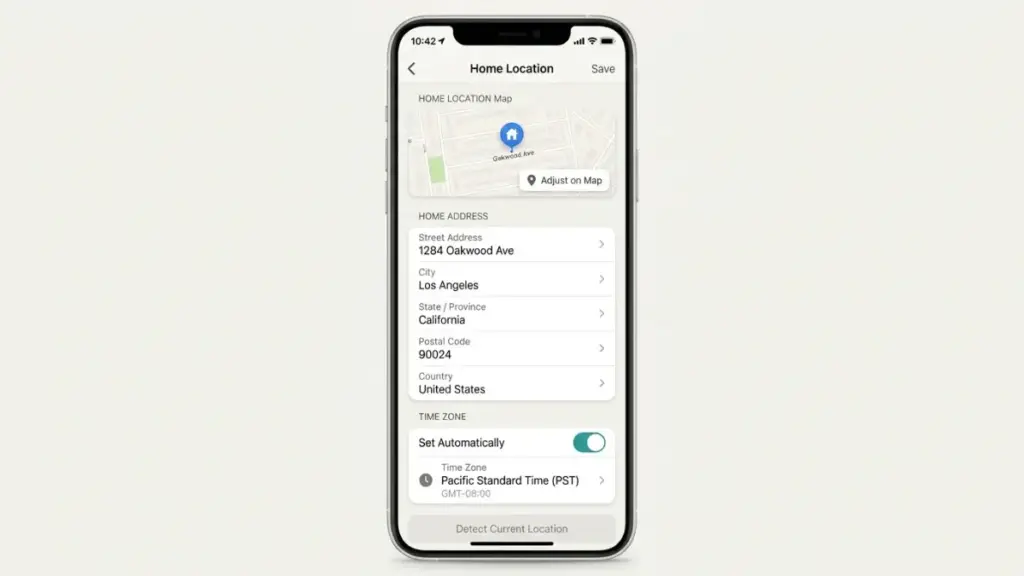
Open each smart home app you use and check the home’s address and time zone. This matters more than people think: any routine set to “sunset” or “sunrise” calculates those times from your location. If an app still thinks you live at an old address, or never got a location at all, your lights will switch on at the wrong time all winter.
2. Switch fixed-time routines to sunset
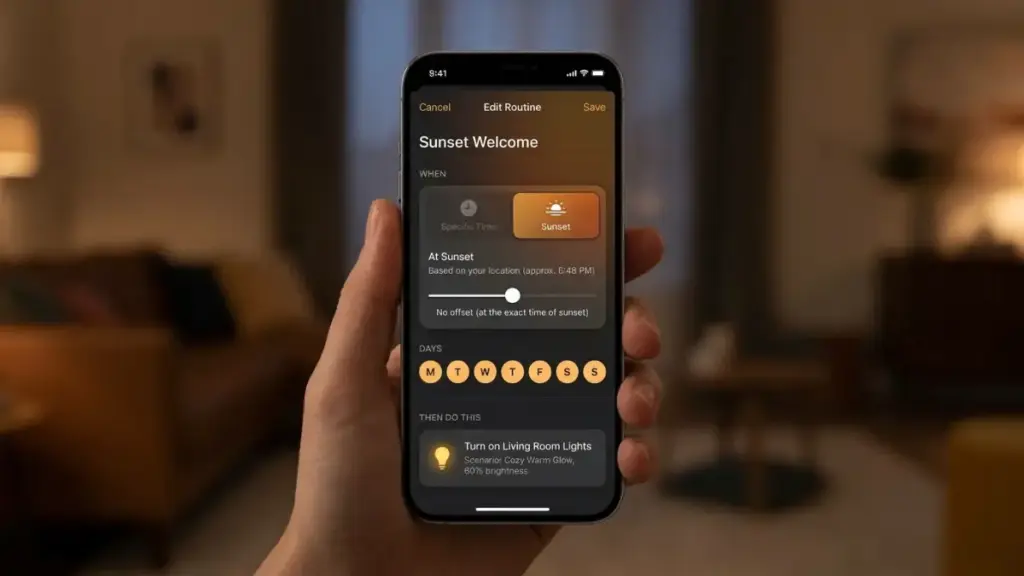
This is the single most useful change you can make. A porch light set to turn on at 6:00 p.m. was perfect in September. After daylight saving time ends, you’ll spend an hour coming home to a dark front door.
In your app’s routines or automations, change the start time from a fixed hour to “Sunset” (most apps also let you add an offset, like “30 minutes before sunset”). Do the same for outdoor lights, living room lamps and anything that should turn on “when it gets dark.” Sunset-based routines adjust themselves every day, so you won’t have to touch them again in March.
Read more: How to Stop Political Texts and Robocalls (2026 Guide)
3. Watch out for routines between 1 and 2 a.m.
When clocks fall back, the hour from 1:00 to 1:59 a.m. happens twice that night. Depending on the app, a routine scheduled in that window can run twice. If you have anything set for that hour (a backup, a robot vacuum, a smart plug), move it to midnight or 3 a.m. for this weekend.
4. Check the devices that don’t update themselves
These are the usual suspects that need a human:
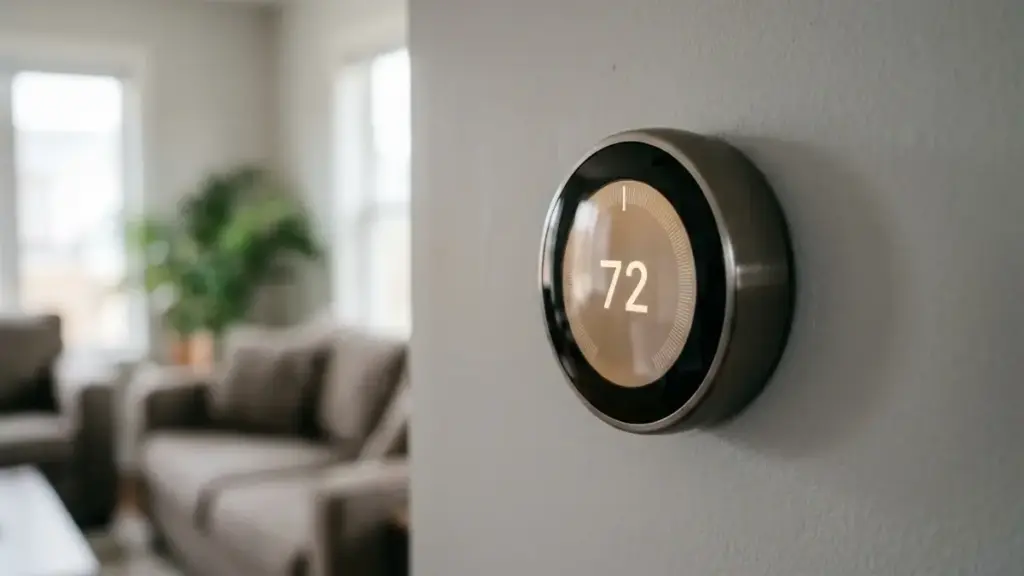
- Older programmable thermostats without Wi-Fi. Set the clock back by hand, or your heat will kick on an hour early.
- Sprinkler and irrigation controllers that aren’t connected to an app.
- Basic plug-in timers with a dial or buttons.
- Pet feeders, coffee makers and other gadgets that keep their own clock or only sync when you open their app. Open the app once after Sunday to make sure.
- Hubs running locally without internet, like some home automation setups. Make sure the system time zone is set to your region, not a fixed offset.
5. Rethink your heating schedule
With earlier darkness, the house cools down sooner in the evening. If your thermostat schedule drops the temperature at a fixed time, consider starting the evening warm-up a little earlier. Smart thermostats with learning features will usually adjust within a few days.
6. Double-check camera and doorbell timestamps
Security cameras usually sync automatically, but it’s worth checking one recording on Monday. A wrong timestamp can be a real headache if you ever need to share footage with police or an insurance company.
Part 2: Use smart lighting to fight the winter blues after daylight saving time
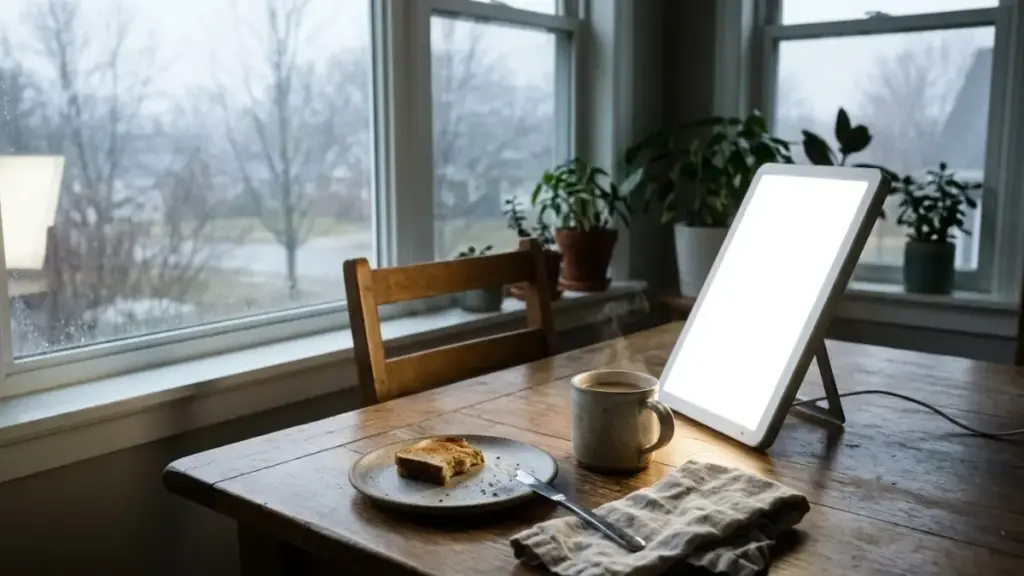
First, an honest note, because a lot of articles get this wrong: a regular smart bulb is not light therapy. When doctors talk about light therapy for seasonal affective disorder, they mean a special light box that puts out about 10,000 lux, used for around 30 minutes each morning. A ceiling bulb across the room is nowhere close to that.
What smart lights can do is make your days feel less dark, help keep your body clock on track, and make it easy to stick with habits that help. Here’s how.
1. Pair a real light box with a smart plug
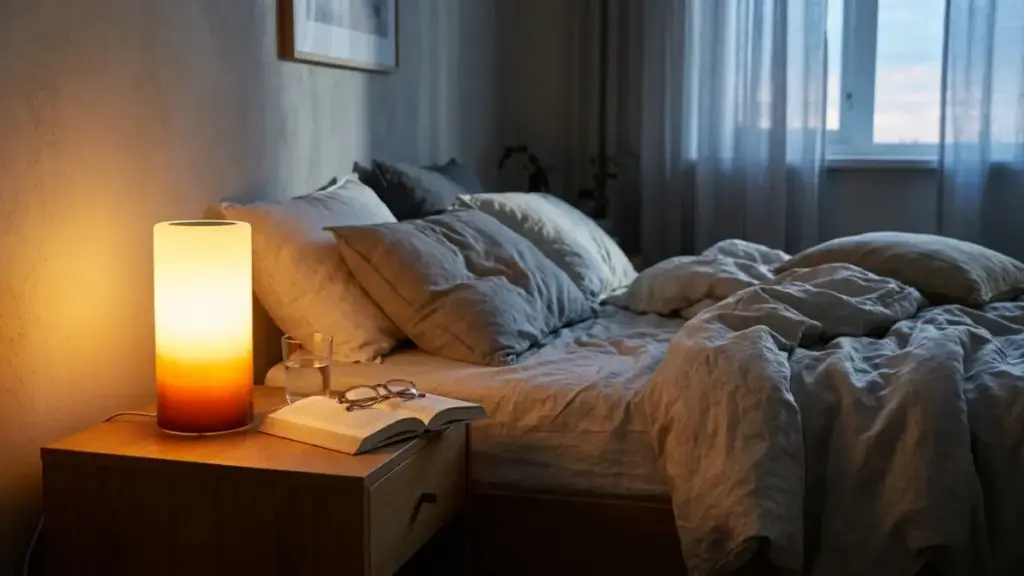
If the winter blues hit you hard every year, a 10,000-lux light box is the tool with the best evidence behind it. Experts suggest starting in the fall, before the darkest weeks, and using it at about the same time every morning. One often-cited study found light therapy worked about as well as standard antidepressants for SAD.
The hard part is remembering to use it. So plug the light box into a smart plug and schedule it to switch on when you sit down for breakfast. Now it’s part of your routine instead of something you have to think about.
A buying tip: bigger is better, because the light needs to reach your eyes even when you move your head a little. Yale’s winter depression program tested several LED panels sold as “10,000 lux” and found most didn’t hit that level at a normal sitting distance, so look for devices with real research or independent testing behind them.
2. Set up a sunrise wake-up routine
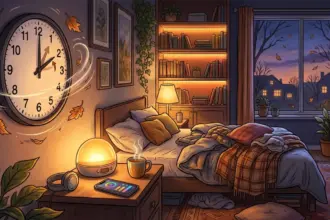
Waking up in total darkness is brutal. Most smart lighting apps let you create a “wake up” or “sunrise” routine that slowly brightens your bedroom lights over 15 to 30 minutes before your alarm. It won’t replace a light box (researchers say the right settings for dawn simulation are still unclear), but many people find it makes dark mornings much easier to face.
3. Bright and cool in the morning, warm and dim at night
If your bulbs can change color temperature, use it on purpose:
- Morning and daytime: bright, cool white light (around 5,000K) in the kitchen and wherever you work.
- Evening: warm, dim amber light (around 2,700K or lower) after dinner, so your body gets the signal that it’s time to wind down.
Most apps can switch between these automatically on a schedule. Set it once and forget it.
4. Don’t let 5 p.m. turn into midnight
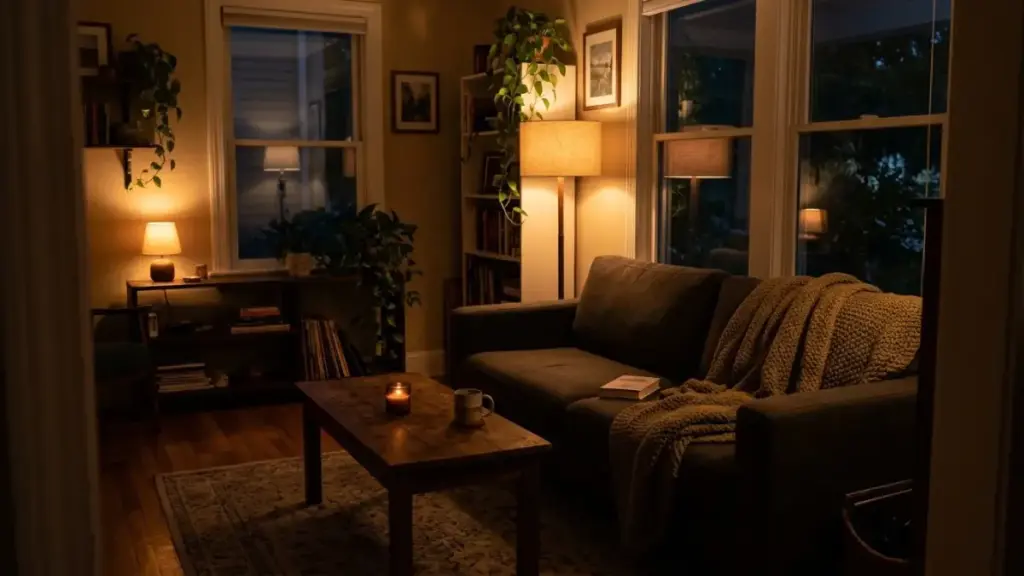
That feeling of sitting in the dark at 5 p.m. is half the problem. Use the sunset routines from Part 1 to turn on warm lights in your main rooms right when the sun goes down, so the house never gets gloomy.
5. Get outside when the sun is up
No bulb beats the real thing. Even on a cloudy winter day, outdoor light is much brighter than indoor light. A 15-minute walk around lunchtime is one of the easiest things you can do.
When to talk to a doctor
Feeling a little sluggish in winter is common. But if you’ve been feeling down most days for more than two weeks, losing interest in things you usually enjoy, sleeping much more than usual or pulling away from people, talk to a doctor. Seasonal affective disorder is real and very treatable. It’s also worth checking with a doctor before starting light therapy if you have bipolar disorder or an eye condition, or if you take medications that make you sensitive to light.
If you ever have thoughts of hurting yourself, call or text 988 to reach the Suicide & Crisis Lifeline any time, day or night.
FAQ
When does daylight saving time end in 2026? Sunday, November 1, 2026, at 2 a.m. local time. Clocks fall back one hour to 1 a.m.
Do I need to change the time on my smart devices? Usually not. Devices connected to the internet through an app update automatically. Check older thermostats, plug-in timers, sprinkler controllers and anything that keeps its own clock.
Why do my smart lights turn on at the wrong time after the clocks change? Most often, the routine uses a fixed clock time that now happens in the dark, or the app has the wrong location for sunset timing. Switch the routine to “Sunset” and check the home’s address and time zone.
Can smart bulbs treat seasonal affective disorder? No. Light therapy uses a special light box at about 10,000 lux. Smart bulbs can help with routines, like sunrise wake-ups and brighter mornings, but they aren’t a medical treatment. Talk to a doctor if low mood lasts more than two weeks.
Which states don’t change their clocks? Hawaii and most of Arizona stay on standard time all year, along with Puerto Rico and other U.S. territories.
The clocks change once, but the dark evenings stick around until March. Take 10 minutes this weekend to switch your routines to sunset, set up a sunrise wake-up, and give yourself a brighter start to every winter morning. Send this guide to the friend who always complains it’s “basically night” at 5 p.m.
At The Couch Insider, we share practical guides that make life at home easier, from smart home fixes to what to watch on a cozy night in. Bookmark The Couch Insider and follow us for more.