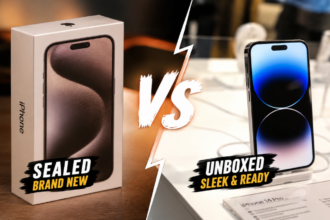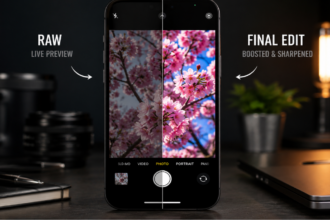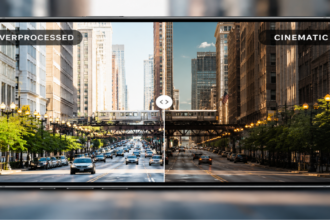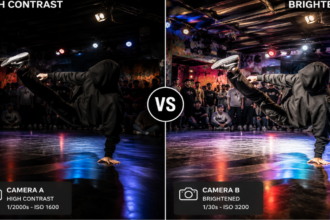


Smartphone cameras have grown incredibly powerful, but their reliance on aggressive high dynamic range processing has sparked a major debate among photography enthusiasts. Modern mobile devices are engineered to lift every dark corner and tone down every bright highlight automatically. This constant balancing act often strips away the natural contrast, depth, and atmospheric mood that make a photograph feel genuinely real.
- iPhone Camera vs Adobe Project Indigo — Quick Comparison Table
- iPhone Camera vs Adobe Project Indigo — HDR Processing Comparison
- iPhone Camera vs Adobe Project Indigo — Shadows and Contrast
- iPhone Camera vs Adobe Project Indigo — Night Photos
- iPhone Camera vs Adobe Project Indigo — Natural Look vs Smartphone Look
- iPhone Camera vs Adobe Project Indigo — When iPhone Camera Wins
- iPhone Camera vs Adobe Project Indigo — When Project Indigo Wins
- Final Verdict — Is Less HDR Actually Better?
- FAQ
- Conclusion
When looking directly at the iPhone Camera vs Adobe Project Indigo performance baseline, we see a deliberate shift in direction away from hyper-processed computational phone trends toward a more balanced, film-like aesthetic. By comparing the native iOS camera system against this experimental processing pipeline, we can see how less digital intervention can actually produce a more convincing image. Let’s analyze how these two approaches handle real-world lighting scenarios to see which processing method truly delivers a better photograph.
iPhone Camera vs Adobe Project Indigo — Quick Comparison Table
To understand the core differences between these two mobile systems, we must first look at how they approach a scene as a whole. The default iOS software is built to optimize visibility and balance across the entire image frame right out of the box. Assessing the iPhone Camera vs Adobe Project Indigo setup shows that Adobe targets a completely different goal, sacrificing total detail visibility in order to preserve realistic contrast and depth.
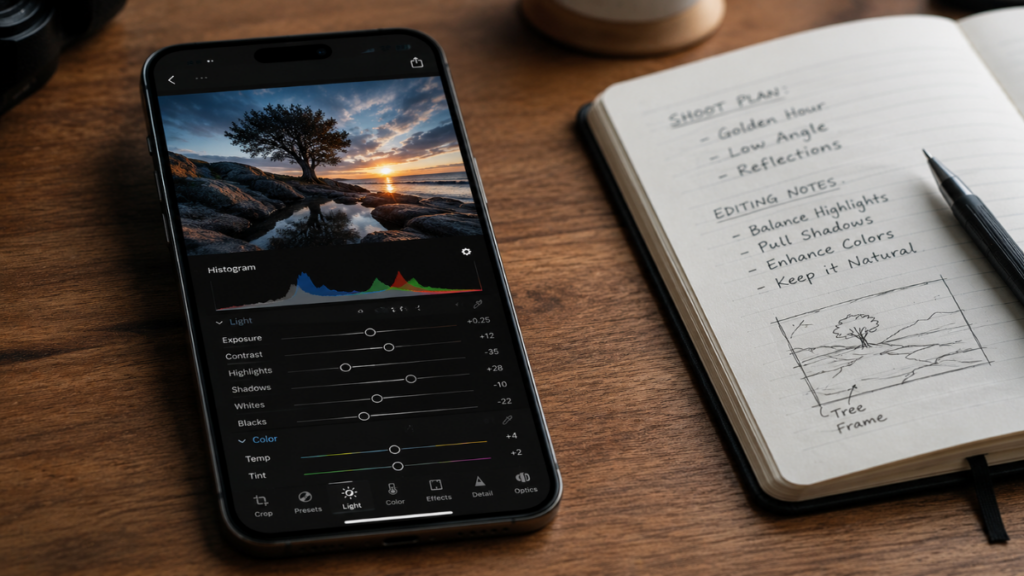
The default processing style focuses heavily on automated sharpness, while Adobe relies on restrained adjustments to mimic the behavior of classic optical lenses.
This functional iPhone Camera vs Adobe Project Indigo stylistic split changes everything from how skin textures look in harsh sunlight to how a dark alleyway is rendered at night.
Overall HDR Style, Contrast, Shadows, Highlights and Natural Look
When you look at photos from both applications side-by-side, the difference in handling texture and depth becomes obvious immediately.
| Feature | iPhone Camera | Adobe Project Indigo |
| HDR Style | Aggressive multi-frame stacking | Restrained computational mapping |
| Global Contrast | Softer, flatter tone curves | Stronger, organic shadow roll-off |
| Shadow Treatment | Heavily lifted to reveal hidden detail | Allowed to fall into natural black levels |
| Highlight Control | Intense recovery to prevent clipping | Soft roll-off that allows natural blooming |
| Natural Appearance | Moderate; looks like a smartphone photo | High; mimics traditional large-sensor glass |
iPhone Camera vs Adobe Project Indigo — HDR Processing Comparison
Evaluating the deep-level software engineering behind the iPhone Camera vs Adobe Project Indigo debate dictates how raw sensor data is transformed into a final image. The default Apple platform captures multiple sequential exposures in milliseconds, merging them to push shadow exposure limits to the absolute maximum.
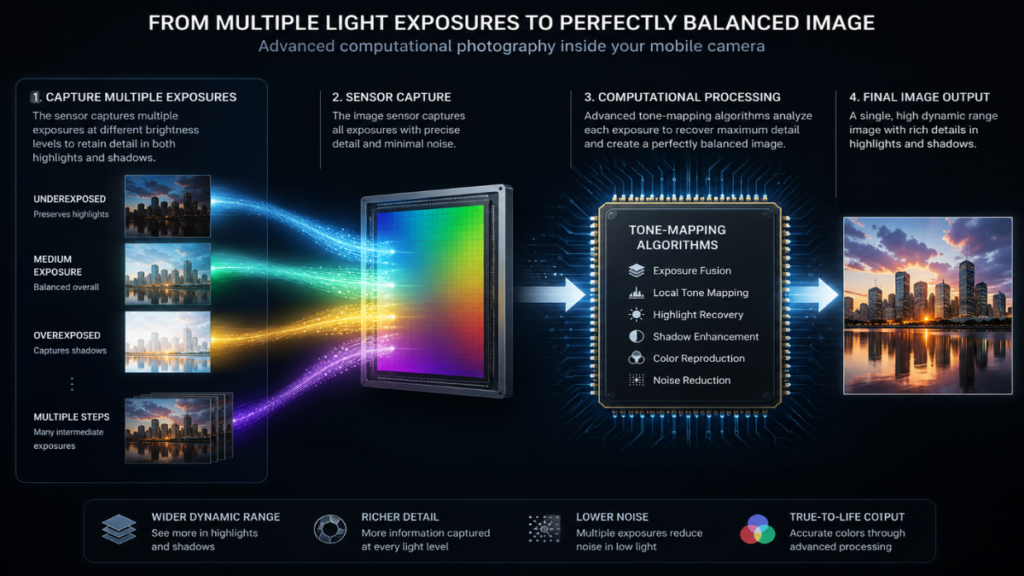
This aggressive exposure stacking ensures everything in the frame remains visible, but it often creates an unnaturally flat look that strips away the original mood of the scene.
Strong Automatic HDR vs Restrained HDR Processing
Every technical iPhone Camera vs Adobe Project Indigo analysis demonstrates that Adobe changes this workflow by running the captured exposure brackets through a much more conservative tone-mapping pipeline.
Many photography experts note that ever since engineering pioneers like Marc Levoy left major smartphone brands, default phone cameras have lost that classic, natural aesthetic and accurate color rendering, making alternative apps highly anticipated.
| Processing Metric | iPhone Camera | Adobe Project Indigo |
| HDR Intensity | Extremely high; constant auto-activation | Moderate; dialed back to favor contrast |
| Shadow Lift | Heavy digital brightening across all tones | Minimal lifting; preserves original dark tones |
| Highlight Recovery | Aggressive containment of all light sources | Balanced recovery that maintains light shape |
| Tone Mapping | Localized adjustments that flatten gradients | Global adjustments that keep natural depth |
| Scene Brightness | Frequently boosted beyond ambient levels | Matches the actual light of the environment |
iPhone Camera vs Adobe Project Indigo — Shadows and Contrast
Managing deep shadows and micro-contrast is where the artistic split inside the iPhone Camera vs Adobe Project Indigo comparison becomes most apparent. Aggressive smartphone HDR processing treats shadows as flaws that need to be corrected, filling dark zones with synthetic brightness.
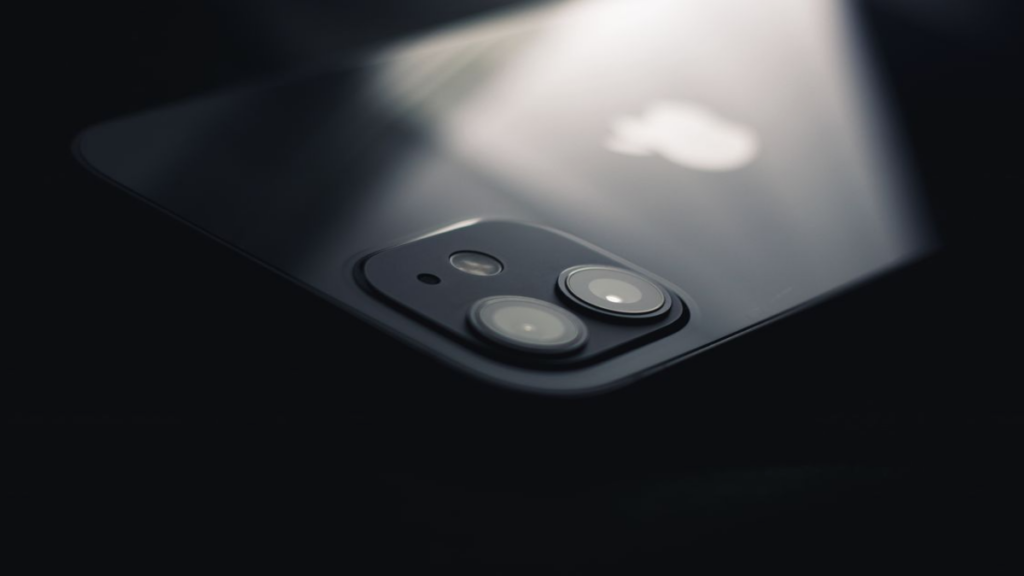
This approach can introduce digital grain and artifacts into dark areas, making images look flat and distinctly digital.
Lifted Shadows vs Deeper Shadows
Evaluating iPhone Camera vs Adobe Project Indigo shadow details proves that Project Indigo treats deep shadows as crucial design elements that provide shape, drama, and dimension to your photographs.
| Environment | iPhone Camera Result | Adobe Project Indigo Result |
| Indoor Rooms | Corners are brightened; looks evenly lit | Dark corners are preserved; keeps ambient mood |
| Night Streets | Asphalt looks grey; shadow zones are lifted | Dark alleys stay black; neon lights pop cleanly |
| Sunsets | Foregrounds are boosted; silhouettes look washed | Perfect dark silhouettes against vibrant skies |
| Backlit Scenes | Subjects are heavily illuminated automatically | Subjects maintain natural contrast against the light |
iPhone Camera vs Adobe Project Indigo — Night Photos
Low-light performance has become a key battleground when analyzing the iPhone Camera vs Adobe Project Indigo rendering styles, proving that more brightness does not always mean a better picture. The native iOS Night Mode focuses on gathering every bit of ambient light, often making nighttime scenes look like they were shot at dusk.
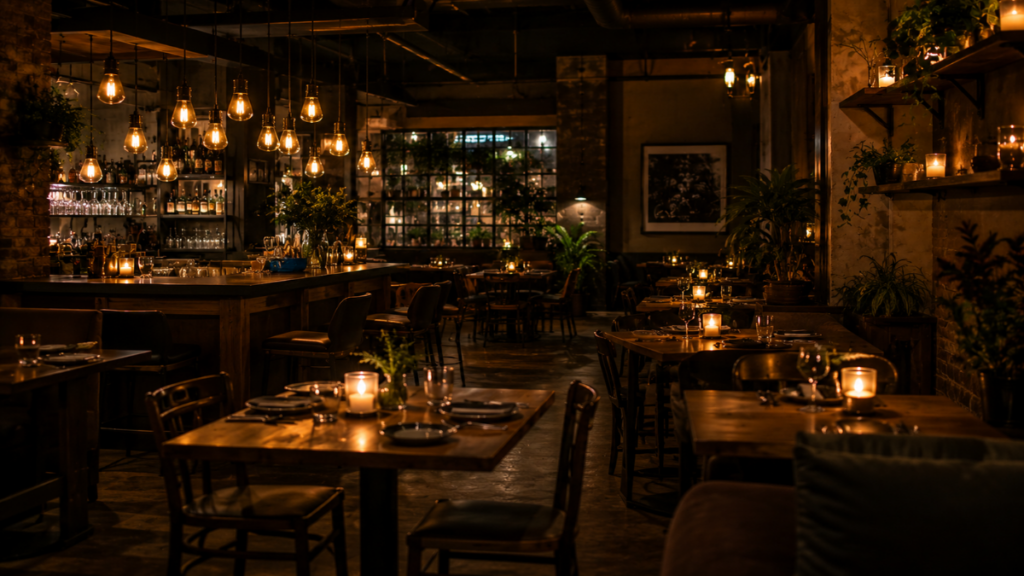
This aggressive brightening approach can wash out the real colors of neon lights and destroy the intimate atmosphere of low-light settings.
“True digital fidelity is achieved not by revealing what is hidden in the dark, but by respecting where the shadows naturally fall.”
Alex Mercer
Brighter Night Mode vs More Realistic Darkness
A real-world iPhone Camera vs Adobe Project Indigo low-light comparison reveals that Project Indigo handles dark scenes by preserving realistic exposure values, keeping night shots looking like true night.
| Scenario | iPhone Camera Night Performance | Adobe Project Indigo Night Performance |
| Nightlife Venues | Overly brightened; loses dark club atmosphere | Keeps deep backgrounds; spotlights stand out |
| Restaurants | Lifts ambient shadows; looks artificial | Preserves soft candlelit glow and warm tones |
| Concerts | Brightens crowd; washes out stage lighting | Keeps crowd dark; preserves rich stage colors |
| City Streets | Exposure looks flat; light sources bleed | High contrast; crisp reflections on wet pavements |
See also related article: Pixel 4 XL vs Pixel 10 Pro camera: Which one captures moving subjects better in low light?.
iPhone Camera vs Adobe Project Indigo — Natural Look vs Smartphone Look
The term “smartphone look” usually refers to an image that has been over-processed, over-sharpened, and flattened by aggressive tone mapping. Native iOS algorithms apply intense edge sharpening and local contrast boosts to make small details look clearer on small phone screens.

While this looks sharp at first glance, analyzing the iPhone Camera vs Adobe Project Indigo output indicates it often gives human skin, foliage, and textures a synthetic, plasticky look upon closer inspection. Some beta testers have noted that while Project Indigo looks beautifully un-sharpened and natural on premium models like the iPhone 15 Pro, it can occasionally feel slightly blurrier compared to the default iOS app if the physical hand stability is not perfect.
When a Photo Starts Looking Too Processed
Adobe Project Indigo aims for a clean, organic look by avoiding heavy computational sharpening entirely.
| Image Attribute | iPhone Camera Rendering | Adobe Project Indigo Rendering |
| Digital Sharpening | Aggressive edge enhancements; high micro-contrast | Soft, natural roll-off; looks like optical glass |
| HDR Artifacts | Halo effects around dark objects are common | Clean edges; no artificial glowing outlines |
| Skin Textures | Can look plasticky or overly detailed | Smooth, organic skin tones with real texture |
| Color Saturation | Boosted midtones for an instantly vibrant look | Deep, natural color gradients across the frame |
| Local Contrast | Artificially enhanced to create forced depth | Follows natural light paths for a clean look |
iPhone Camera vs Adobe Project Indigo — When iPhone Camera Wins
Even with the artistic advantages of a restrained HDR style highlighted in the iPhone Camera vs Adobe Project Indigo matchup, the native Apple camera remains an incredibly capable tool for daily use.
More Read

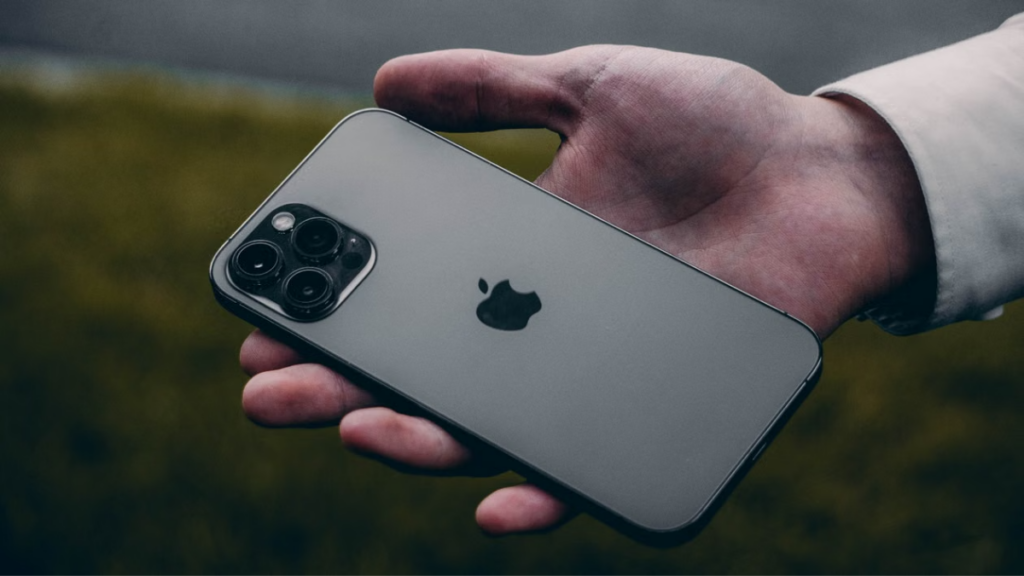
Its automated exposure stacking is exceptionally reliable when your primary goal is capturing clean, sharp details in high-contrast environments.
Travel, Daylight, Family Snapshots and Social Media
For casual snapshots and fast-paced documentation, looking closely at the iPhone Camera vs Adobe Project Indigo performance trade-offs shows that having an instantly bright, sharp photo is often exactly what you need.
| Shooting Scenario | Why the iPhone Camera Wins | Visual Result |
| Travel Sightseeing | Keeps both bright skies and dark ruins clear | Perfectly balanced travel documentation |
| Bright Midday Landscapes | Manages extreme contrast between sun and shade | Crisp details from deep canyons to white clouds |
| Family Snapshots | Fast shutter speeds and clear faces instantly | Sharp, reliable memories with no editing needed |
| Social Media Sharing | Vibrant, punchy colors look great on small feeds | Instantly eye-catching and ready to post |
iPhone Camera vs Adobe Project Indigo — When Project Indigo Wins
When your primary goal is capturing the real mood, depth, and emotion of a scene, a restrained processing approach is clearly superior.
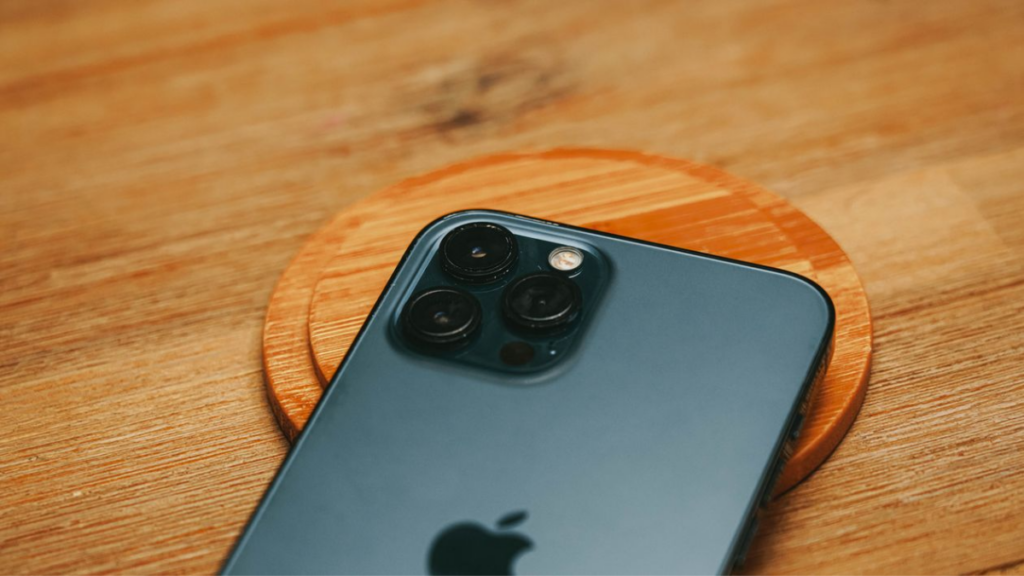
Project Indigo gives artists the freedom to embrace deep shadows and natural light blooming without software forcing unnatural corrections. When exploring the availability context of the iPhone Camera vs Adobe Project Indigo ecosystem, it is worth noting that Adobe prioritized developing for the iOS market first simply because it represents the largest premium sector, though high-end Android hardware from Samsung and Google will likely follow.
Mood, Atmosphere, Natural Contrast and Editing Flexibility
By preserving raw contrast values, this platform comparison shows that Adobe gives photographers a much cleaner, unmanipulated file that stands up beautifully to custom color grading.
| Shooting Scenario | Why Adobe Project Indigo Wins | Visual Result |
| Artistic Portraits | Uses natural lighting to create soft, rich depth | Classic, professional-looking portrait frames |
| Cinematic Night Scenes | Lets dark areas stay dark while light pops | Moody, film-like street photography style |
| Golden Hour Sunsets | Preserves rich golden hues and deep silhouettes | Striking, dramatic evening landscape shots |
| Advanced Raw Editing | Delivers clean files without forced sharpening | Ultimate flexibility when editing in Lightroom |
Read more: Camera Preview vs Processed Photo: Why Your Smartphone Changes Images Automatically
Final Verdict — Is Less HDR Actually Better?
The comparison between the iPhone Camera vs Adobe Project Indigo shows that more digital processing does not automatically mean a better photograph. Aggressive computational exposure stacking is fantastic for capturing clear details during daytime excursions, but it often flattens the rich contrast that gives artistic images their emotional impact.
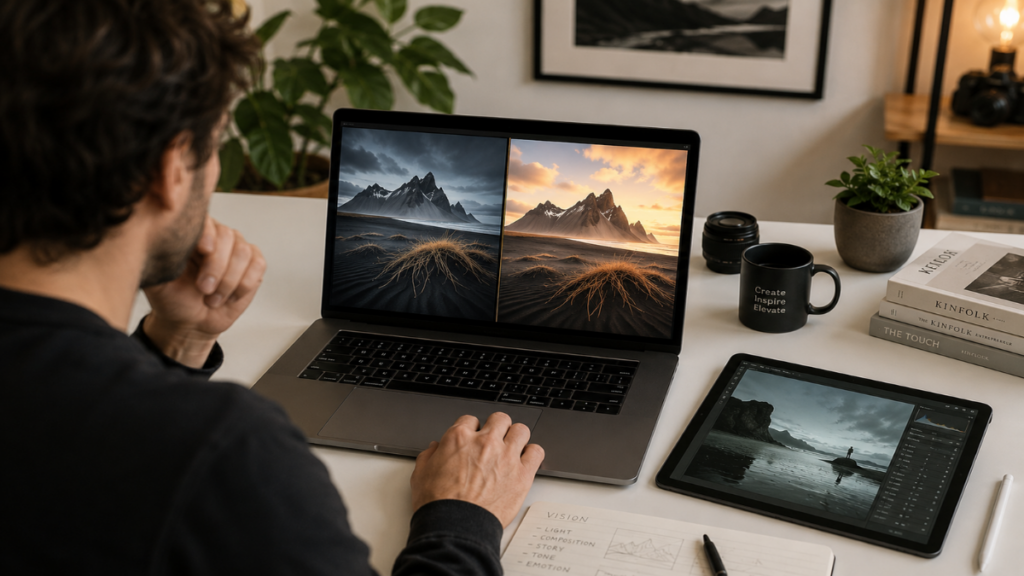
Ultimately, settling the iPhone Camera vs Adobe Project Indigo debate depends entirely on whether you value instant frame visibility or organic, lifelike contrast for your creative work.
Less HDR Is Better Only When Mood, Contrast and Natural Lighting Matter More Than Brightness
Matching your camera software to your specific visual goals ensures you always get the best possible result for every shooting scenario.
| Creative Priority | Recommended Application | Strategic Value |
| Maximum detail visibility and zero editing | iPhone Camera | Ideal for fast snapshots, travel documentation, and casual family memories. |
| Cinematic mood, natural contrast, and deep shadows | Adobe Project Indigo | Perfect for fine-art street scenes, moody portraits, and custom editing. |
FAQ
Is Adobe Project Indigo better than the iPhone Camera?
Neither app is universally superior; they are designed for completely different goals. The native system is optimized for fast, clear, and perfectly balanced snapshots, while Adobe’s pipeline is tailored for creators who prefer natural contrast and film-like depth.
Does less HDR mean worse photo quality?
Not at all. A restrained processing style does not mean the sensor is capturing less detail. It simply means the software chooses to map that light data using an organic, high-contrast curve rather than artificially brightening every shadow.
Why do Project Indigo photos look more natural?
The app avoids the heavy edge sharpening, local tone mapping, and aggressive shadow lifting common in modern smartphones. By letting highlights bloom softly and shadows fall naturally into true blacks, it mimics traditional large-sensor glass.
Should casual iPhone users switch to Project Indigo?
If you want quick, bright, instantly sharp photos to share with friends, the native iOS app is your best choice. However, if you find yourself frustrated by flat, over-processed images and want a more artistic, film-like look, Project Indigo is well worth exploring.
Conclusion
The evolution of mobile imaging proves that maximizing exposure values across every pixel is not always the best path to a beautiful photo. While heavy automated processing serves a clear purpose for daily snapshots, pulling back on HDR intervention allows true shadow depth and organic contrast to return to smartphone photography.
KINDLY LEAVE A COMMENT FOR FREE EXPERT CONSULTATION OR FOLLOW OUR WEBSITE THE COUCH INSIDER TO KEEP UP WITH THE LATEST KNOWLEDGE.