


Many people assume a smartphone zoom blurry photo means their device camera isn’t good enough. In reality, the problem is often much simpler: the wrong camera lens is being used for the scene. Modern smartphones automatically switch between multiple lenses depending on zoom level, lighting, and subject distance—but those choices aren’t always ideal. Understanding when to use the main camera, telephoto lens, or digital crop can dramatically improve your photos without upgrading your phone.
- Why smartphone zoom photos often look blurry
- The biggest mistake — using the telephoto lens when you shouldn’t
- Main camera vs telephoto lens — which one should you choose?
- Why more zoom doesn’t always mean better photos
- How to choose the right lens for everyday photography
- Common smartphone zoom mistakes
- Can you make your current phone’s zoom look better?
- FAQ
- Conclusion
Why smartphone zoom photos often look blurry
Many users experience frustration when their far-away shots come out soft or muddy. This common mobile photography issue usually stems from a misunderstanding of how magnification works on mobile devices.
Optical zoom and digital zoom are not the same thing
True optical magnification relies on physical glass elements moving inside a telephoto camera to change the focal length. This preserves full resolution because the light hits the sensor naturally without digital manipulation.
Conversely, digital zoom does not use special optics to get closer to the subject. It simply takes a standard image, crops into the center, and enlarges the remaining pixels. This digital stretching is the primary reason why your photos suffer from a smartphone zoom blurry effect and lack fine detail.
Why smartphones automatically switch between different lenses
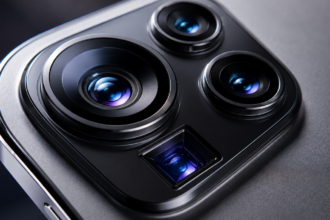
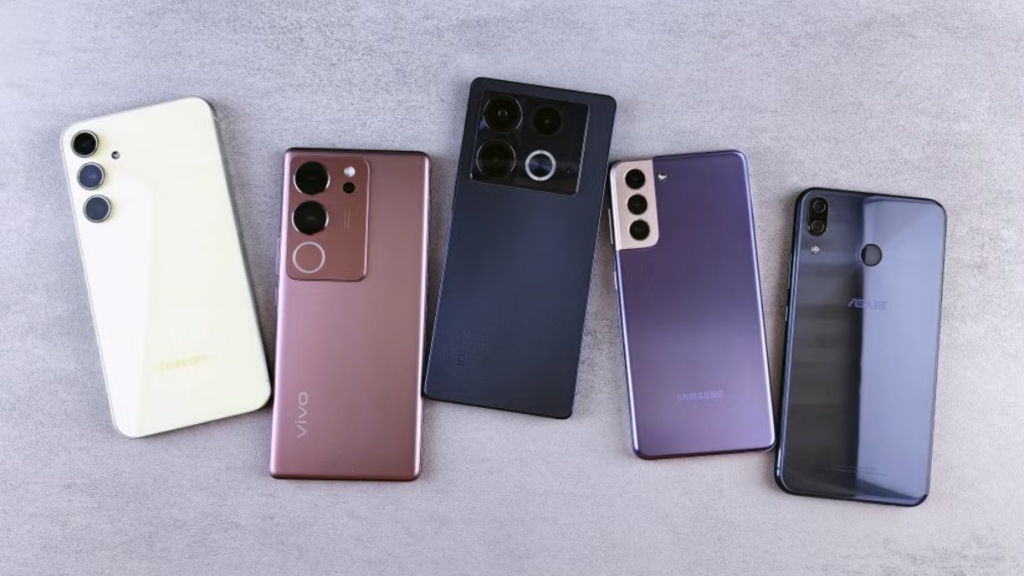
Most premium devices feature multiple sensors, typically a wide main camera vs telephoto layout. When you pinch the screen, the phone runs background algorithms to decide which hardware is best suited for the current environment.
If the internal software detects that conditions are unfavorable for the telephoto lens, it will silently override your choice. Instead of activating the dedicated zoom hardware, the system crops into the primary sensor, which frequently results in an unexpected smartphone zoom blurry outcome.
| Zoom Method | Image Quality | Best Use Case |
| Main Camera Crop | Moderate to Poor | Emergency close-ups in dim environments |
| Optical Telephoto | Excellent and Sharp | Bright outdoor scenes at native focal steps |
| Digital Zoom | Very Poor | Only when physical movement is impossible |
The biggest mistake — using the telephoto lens when you shouldn’t
Choosing the highest magnification number on your screen seems logical when a subject is far away. However, forcing the telephoto camera to operate in the wrong environment is a guaranteed way to ruin your mobile photography.
Read more: Camera Preview vs Processed Photo: Why Your Smartphone Changes Images Automatically.
Why telephoto lenses struggle indoors
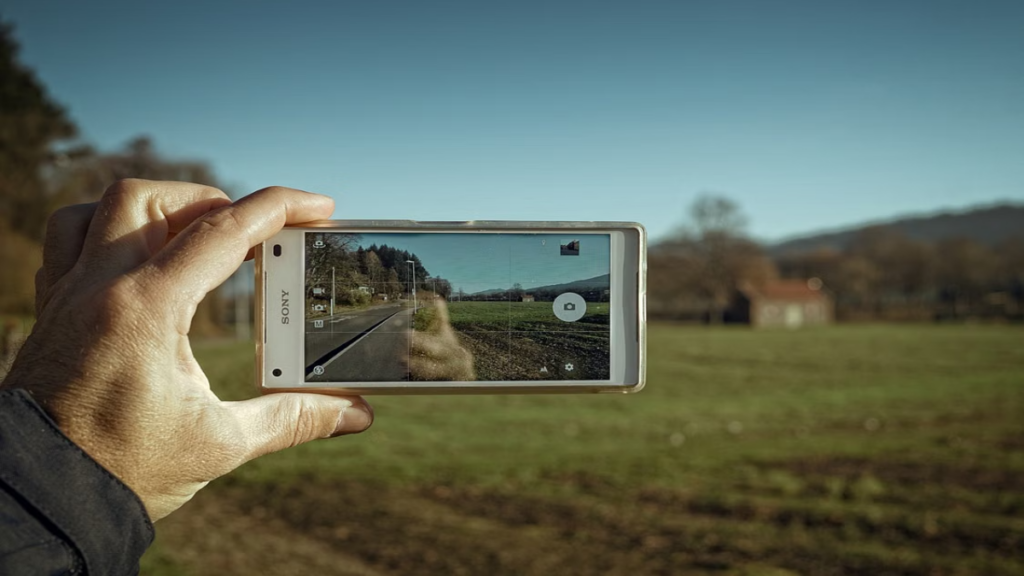
Dedicated zoom lenses have much smaller apertures than primary sensors, meaning their physical openings admit significantly less light. Indoor residential lighting might seem adequate to human eyes, but a narrow telephoto lens views it as incredibly dark.
When the camera sensor does not receive enough photons, the phone compensates by slowing down the shutter speed or raising the digital gain. This hardware limitation instantly introduces severe image degradation, making your smartphone zoom blurry and full of visual artifacts.
Why low-light zoom often looks worse than expected
Nighttime environments amplify the physical shortcomings of small mobile sensors. Because a phone camera zoom system lacks the light-gathering surface area of a DSLR, low-light magnification is incredibly difficult to execute cleanly.
“The hidden trap of modern smartphone cameras is their automated behavior; the software would rather give you a bright, digitally cropped blurry image than a dark, sharp optical one.”
Luna
As a result, zooming in at night usually forces the software to abandon the optical zoom camera entirely, opting for an aggressive digital crop instead.
When the main camera produces sharper zoom photos
In challenging environments, the large sensor of the primary camera lens switching system collects drastically more light than the tiny zoom sensor. Even after a heavy digital crop, the main sensor can sometimes deliver a cleaner image.
The primary module retains better contrast, more accurate colors, and lower noise levels in dark environments. For this reason, utilizing low-level magnification on the primary sensor frequently beats forcing an optical telephoto lens into the dark, which effectively prevents a smartphone zoom blurry final image.
Read more: Pixel 4 XL vs Pixel 10 Pro camera: Which one captures moving subjects better in low light?
| Shooting Condition | Best Lens | Why |
| Bright daylight | Telephoto Lens | Perfect lighting allows small sensors to shine |
| Indoor lighting | Main Camera | Larger aperture prevents severe digital noise |
| Night photography | Main Camera | Maximizes photon collection to avoid blur |
| Concerts | Main Camera | Better handles erratic stage lighting and movement |
| Restaurants | Main Camera | Preserves fine food details under moody ambiance |
Main camera vs telephoto lens — which one should you choose?
Understanding the precise hardware capabilities of these two primary modules allows you to make informed decisions before pressing the shutter button.
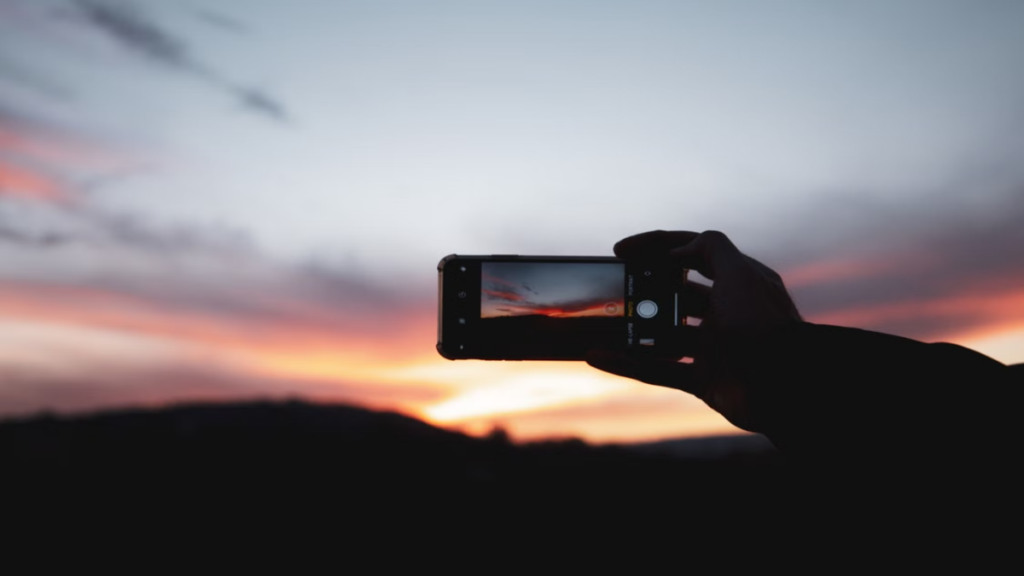
Image quality
The primary sensor always delivers superior clarity, dynamic range, and color depth because it uses the finest hardware on the device. The telephoto camera is highly capable but optimized purely for reach, sacrificing raw resolution and fidelity in non-ideal conditions.
Light gathering capability
A standard main module usually boasts an aperture around f/1.6 to f/1.8, whereas a zoom module drops to f/2.4 or even f/4.4. This mathematical difference means the primary glass can let in up to four times more light, directly preventing the dreaded smartphone zoom blurry effect.
Autofocus performance
Primary sensors employ advanced focusing technologies like Dual Pixel PDAF or Laser Autofocus. Telephoto variants use simpler systems that hunt for focus much longer, especially when tracking moving subjects or operating in dim areas.
Noise levels
Smaller pixels on secondary sensors create higher electronic interference, visible as grainy texture or colorful artifacts. The large pixels on the primary chip smooth out these gradients, keeping images crisp even when you need to crop in manually to avoid a smartphone zoom blurry result.
| Feature | Main Camera | Telephoto Lens |
| Sensor Size | Large | Small |
| Aperture | Wide (f/1.6 – f/1.8) | Narrow (f/2.4 – f/4.4) |
| Low-Light Performance | Excellent | Poor |
| Optical vs Digital Zoom | Native 1x | Native 3x / 5x / 10x |
Why more zoom doesn’t always mean better photos
Smartphone manufacturers heavily market extreme magnification metrics like 50x or 100x zoom capabilities. In practical everyday use, these massive numbers are almost entirely marketing gimmicks that result in poor smartphone zoom quality.
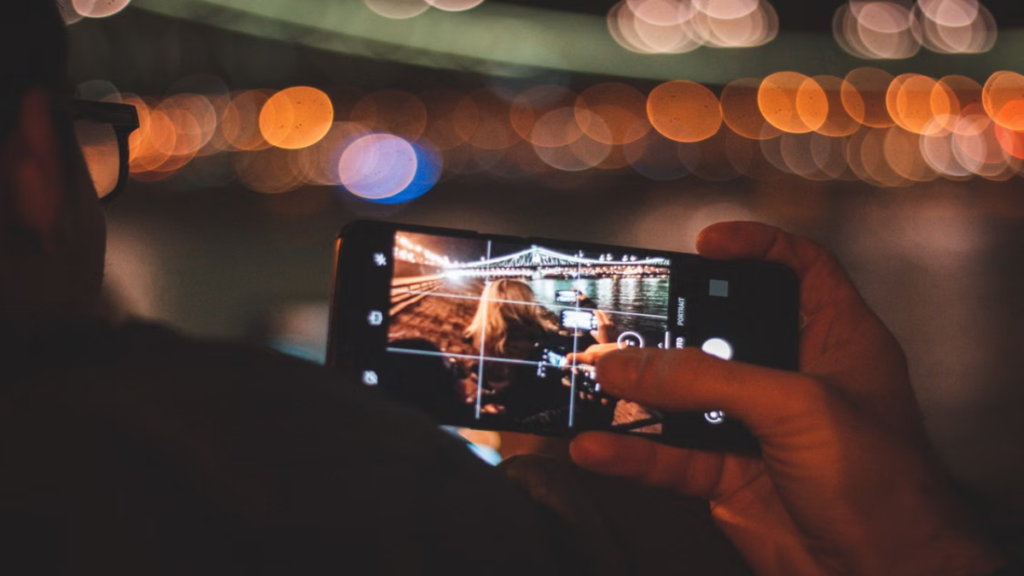
The myth of higher zoom levels
Beyond the native optical steps of your device, any additional magnification is completely artificial. Pushing a phone camera zoom past its optical limit introduces severe interpolation, where software tries to guess missing visual information.
This computational guesswork creates a strange watercolor effect, stripping away natural textures. Your final images lose all sharpness, leaving you with an unappealing, muddy smartphone zoom blurry photograph.
Why sensor size often matters more than magnification
A massive sensor with high megapixels allows you to crop into an image without losing essential structural details. A tiny sensor with high optical magnification might get you physically closer, but it lacks the dynamic range to make the final shot look professional.
True smartphone zoom quality depends entirely on clean data capture, not how large the software can stretch a distant pixel grid.
When cropping a main-camera photo gives better results
If you are shooting at an intermediate level like 2.5x on a phone with a 3x optical lens, the camera must digitally upscale the image. In low light, it is significantly better to take a native 1x photo using the high-quality main sensor to ensure you do not get a smartphone zoom blurry masterpiece.
Once the photo is captured, you can manually crop the frame in an editing app. This intentional approach preserves highlights and minimizes noise far better than letting the phone execute an automated digital crop.
Read more: iPhone Camera vs Adobe Project Indigo: Is Less HDR Actually Better for Natural Photos?
| Situation | Better Choice | 2x | 3x | 5x | 10x |
| Bright Sun | Optical Telephoto | Main Crop | Native Lens | Native Lens | Digital |
| Cloudy Day | Mixed | Main Crop | Native Lens | Native Lens | Digital |
| Dim Interiors | Main Camera Crop | Main Crop | Main Crop | Main Crop | Avoid |
| Night Outdoors | Main Camera Crop | Main Crop | Main Crop | Main Crop | Avoid |
How to choose the right lens for everyday photography
To achieve elite results in mobile photography, you must treat your phone like a traditional camera bag filled with distinct prime lenses.
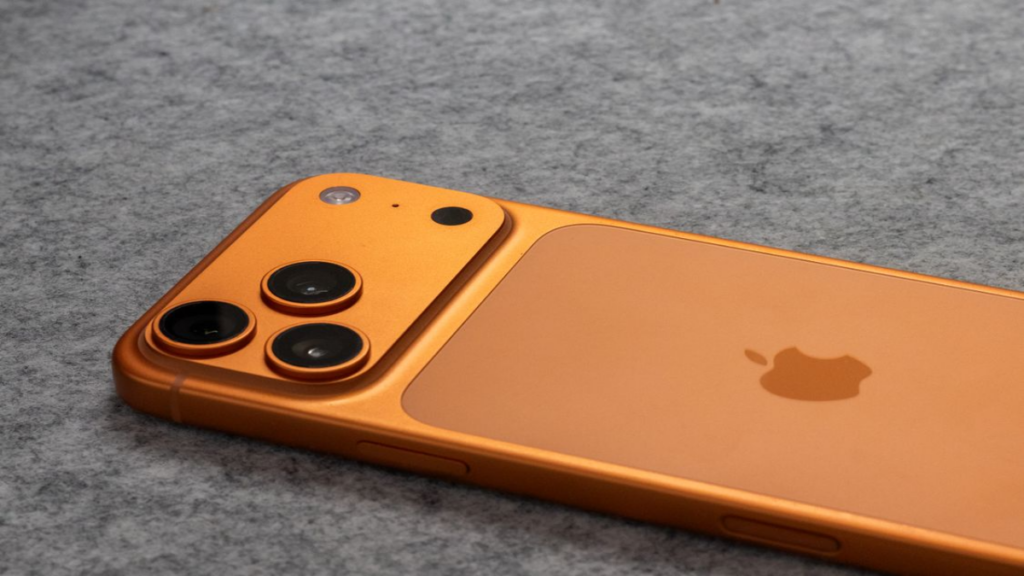
Portraits
For flattering facial proportions, use your native 2x or 3x optical zoom camera steps. Avoid the ultra-wide lens or getting too close with the main module, as wide focal lengths distort facial features and make noses look larger.
More Read

Food
Stick to the primary camera lens switching system at 1x or a slight 2x crop, and step back slightly from the table. Placing a telephoto camera too close to a plate triggers a smartphone zoom blurry error because the lens cannot focus at ultra-short distances.
Wildlife
Activate your maximum native optical zoom power, such as 5x or 10x, and ensure you are shooting in direct sunlight. Wildlife moves fast, and the narrow aperture of a telephoto camera requires abundant light to keep shutter speeds fast enough to freeze action.
Travel
Use native zoom steps to isolate architectural details or compress background landscapes beautifully. Avoid pinching to arbitrary numbers between the main settings to keep your travel gallery free from pixelated digital artifacts that cause a smartphone zoom blurry aesthetic.
Documents
Always capture documents using the main camera at 1x or 2x from a moderate distance. Telephoto optics have a very thin plane of sharp focus, which causes the edges of a text document to appear fuzzy and unreadable.
Landscapes
While wide lenses are popular for vistas, a native optical telephoto lens compresses layers of mountains or city buildings brilliantly. Just ensure the atmosphere is free from heavy haze, which scatters light and causes distant shots to look like a smartphone zoom blurry mess.
| Subject | Recommended Lens | Reason |
| Portraits | 2x – 3x Optical Telephoto | Compresses facial features naturally without distortion |
| Food | 1x – 2x Main Camera | Allows close focusing distances and creates soft background blur |
| Wildlife | 5x – 10x Optical Lens | Maximizes safe physical distance while keeping details sharp |
| Travel | Native Optical Steps Only | Preserves structural architecture details without pixelation |
| Documents | 1x – 2x Main Camera | Ensures corner-to-corner text sharpness for easy scanning |
| Landscapes | 1x Wide or 3x Telephoto | Offers a choice between vast scale or dramatic compression |
Common smartphone zoom mistakes
Most fuzzy photos are not caused by hardware failures, but rather by small behavioral habits that disrupt the optical workflow of the device.
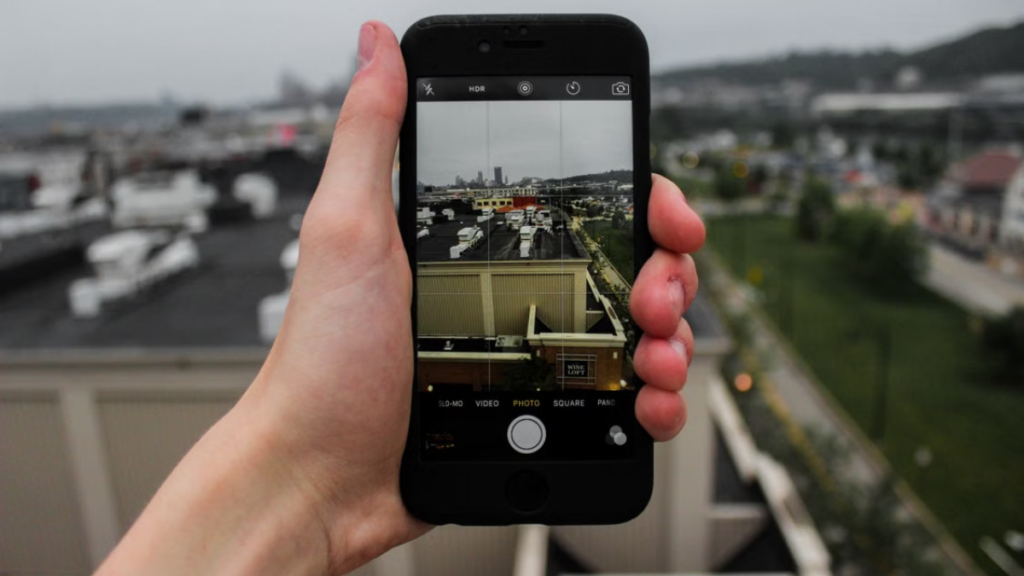
Pinching to random zoom levels
Pinching the screen to an arbitrary number like 4.3x forces the system to combine optical data with sloppy digital enlargement. This hybrid processing degrades fine lines and introduces immediate softness across the frame.
Ignoring native optical zoom steps
Failing to tap the specific hardware buttons on the interface—such as .5, 1, 3, or 5—is a massive mistake. Tapping these buttons ensures you are utilizing a dedicated lens natively instead of engaging an unoptimized digital crop that creates a smartphone zoom blurry photo.
Using telephoto in poor lighting
Forcing a low-aperture zoom lens to operate in dark conditions triggers automated software overrides. The device will secretly default to a digital crop of the main camera, destroying any hope of getting a clean, high-resolution shot.
Forgetting to clean the telephoto lens
People wipe their primary camera frequently but often overlook the smaller secondary glass elements. A single fingerprint smudge across the telephoto module diffuses incoming light, causing severe contrast loss and a permanent smartphone zoom blurry appearance.
Standing too far away instead of moving closer
Relying entirely on digital magnification because you prefer not to walk closer is a bad habit. Whenever safe and physically possible, use your feet to bridge the distance to keep your framing clean and your resolution high.
Can you make your current phone’s zoom look better?
You do not need to purchase the newest flagship device to achieve crisp magnification. Implementing a few professional adjustments to your workflow will instantly solve your smartphone zoom blurry issues.
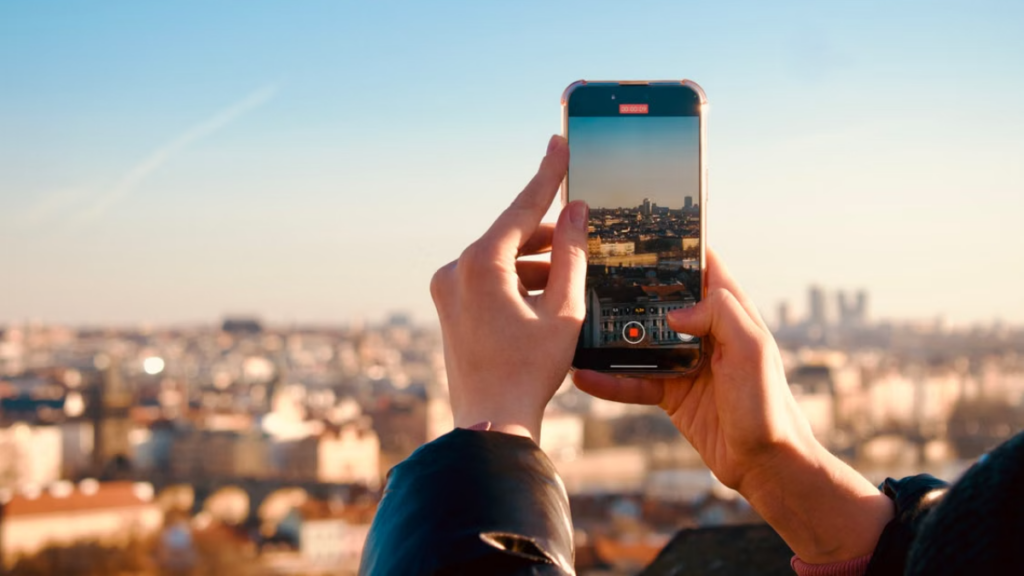
Use native optical zoom levels
Train yourself to exclusively use the preset focal buttons provided in your camera application interface. Tapping these fixed numbers bypasses artificial digital interpolation, ensuring your photos utilize true optical glass configurations and never turn into a smartphone zoom blurry failure.
Let the main sensor do the work in low light
When shooting in dark environments, avoid the temptation to zoom in using the telephoto buttons. Take the photo at 1x using the superior primary sensor, and then manually crop the clean file during your post-processing routine to bypass a smartphone zoom blurry output.
Shoot in RAW when possible
Enabling RAW format in your system settings saves the uncompressed data directly from the camera sensor. This allows you to manually sharpen images and clean up digital noise using editing software, bypassing aggressive built-in processing that can leave a smartphone zoom blurry look.
Avoid excessive digital zoom
Set a personal rule to never exceed the maximum optical threshold of your smartphone camera tips. If your device maxes out at 5x optical reach, do not push the slider to 10x or beyond unless it is absolutely necessary, keeping your images safe from any smartphone zoom blurry distortion.
| Tip | Difficulty | Improvement |
| Tap Native Buttons | Very Easy | Immediate elimination of digital interpolation softness |
| Shoot at 1x in Low Light | Easy | Massive reduction in dark noise and grain |
| Clean Lenses Regularly | Very Easy | Restores lost micro-contrast and color saturation |
| Enable RAW Mode | Medium | Provides advanced control over sharpening and noise |
FAQ
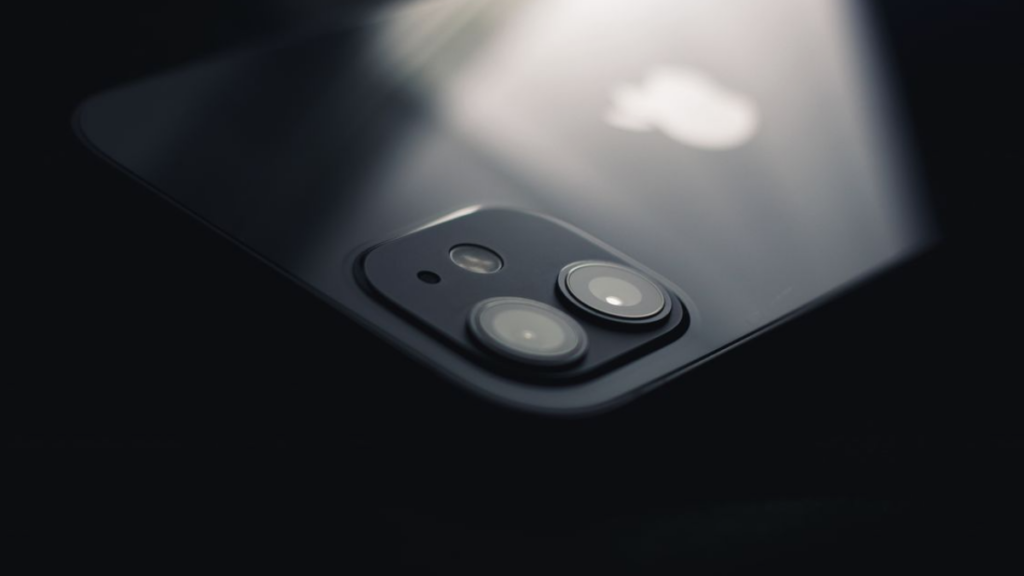
Why is my 5x zoom blurrier than 2x?
Your 5x lens has a much smaller aperture and a smaller sensor than the primary camera module. It requires significantly more ambient light to function correctly, meaning it degrades much faster indoors or during evening hours and results in a smartphone zoom blurry image.
Should I always use the telephoto lens for zoom?
No, you should only use it in bright, open environments where you can hit the native optical step perfectly. In dimly lit rooms or dark settings, the cropped main camera vs telephoto choice will often produce a cleaner picture, avoiding a smartphone zoom blurry mess.
Is digital zoom ever better than optical zoom?
Digital zoom is never superior to true optical glass. However, a digital crop taken from a massive, high-quality primary sensor can sometimes outperform a physical telephoto lens if the environment is too dark for the small zoom sensor to operate, preventing a smartphone zoom blurry disaster.
Why does my phone switch cameras automatically?
The internal camera software constantly analyzes lighting levels and focusing distances. If you are standing too close to a subject or if the room is too dark, the phone automatically switches to a cropped view of the main camera to ensure the shot can be exposed, occasionally causing an unexpected smartphone zoom blurry output.
Conclusion
Mastering mobile photography does not require expensive upgrades; it requires working in harmony with your device’s physical limitations. To eliminate a smartphone zoom blurry result, remember to stick strictly to native optical steps, clean your glass elements, and let your large primary sensor handle the heavy lifting whenever the lights go down.
LEAVE A COMMENT TO GET FREE EXPERT ADVICE OR FOLLOW OUR WEBSITE THE COUCH INSIDER TO UPDATE THE LATEST KNOWLEDGE