


The convenience of a passwordless future is heralded as the pinnacle of digital security. Yet, for advanced users, this “future” is a mandatory imposition.
- The Architecture of Automatic Integration
- Comparing Security Models
- The PIN as a Vulnerability Vector
- Managing Your Threat Model
- Enterprise-Grade Control vs. Consumer Defaults
- Balancing Convenience and Data Integrity
- The Reality of Biometric Security
- Protecting Your Digital Perimeter
- Entropy vs. Frictionless Design
- The Role of Hardware Keys
- Final Thoughts: Ownership of Security
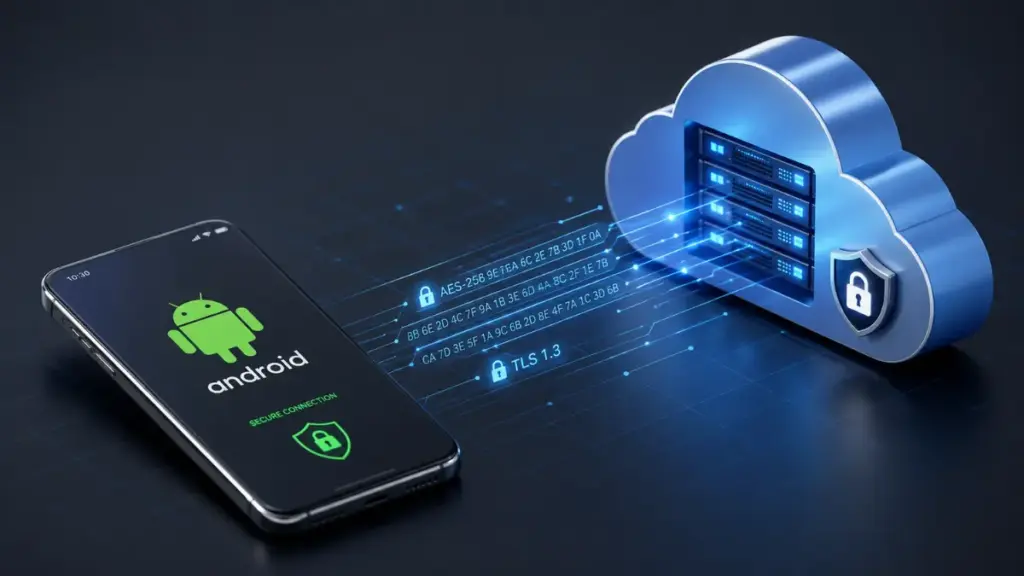
When you sign in on Android, a Passkey Google is automatically bound to your hardware. There is no simple off-switch. For those who prioritize granular control, the forced implementation of Passkey Google on Android is a critical security vulnerability.
Read more: Passkeys: 7 Dangerous Realities Big Tech Won’t Tell You Before You Switch
The Architecture of Automatic Integration
The core issue with Passkey Google on Android is the lack of explicit, granular configuration. When you sign in, the system treats your device as a trusted vault.
- Passive Authentication: It becomes a background process.
- Device Binding: Your identity is tied to local silicon.
- Loss of Intent: You lose the ability to consciously approve every high-stakes login.
“True security is defined by the user’s ability to maintain absolute control over their authentication chain, not by the platform’s convenience metrics.”
Luna
In a professional security context, authentication should be a deliberate, intentional act. By binding a Passkey Google to local hardware, the system equates “having a phone” with “being the user.”
Comparing Security Models
To understand why this is a regression for power users, compare the traditional model with the new default:
| Feature | Traditional Password (80-bit) | Passkey Google on Android |
| Storage | Secure Vault / Offline | Hardware-bound (Local) |
| Entropy | High (User controlled) | Medium (Device locked) |
| Public Exposure | Never | High (Frequent PIN entry) |
| Legal Status | Testimonial (Protected) | Biometric (Compellable) |
This table illustrates the fundamental shift. You are trading high-entropy, protected credentials for device-bound, physically exposed ones.
The PIN as a Vulnerability Vector
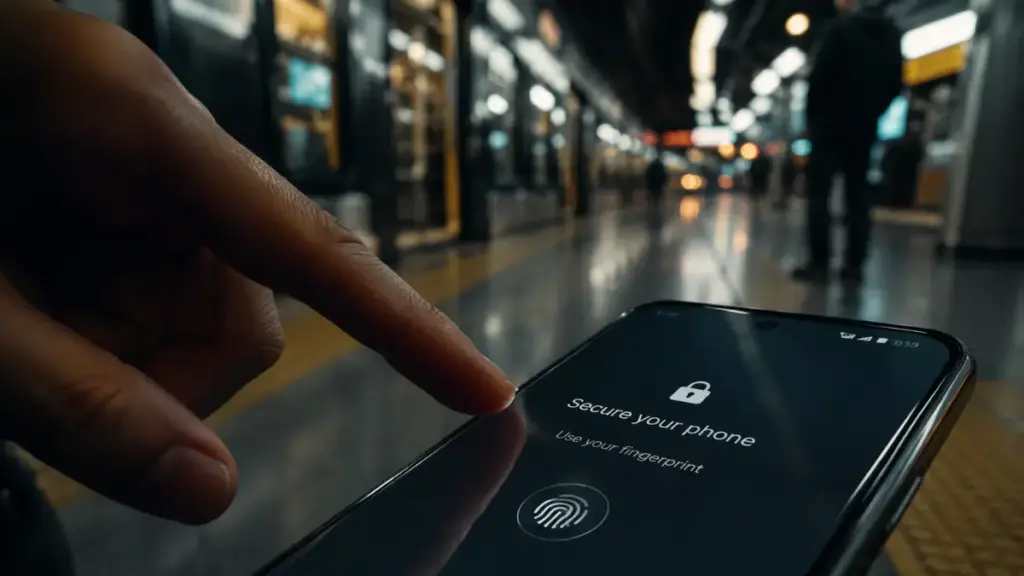
The reliance on a PIN for Passkey Google on Android access is a significant trade-off. PINs are inherently vulnerable to physical observation.
Unlike a long-form password kept in a manager, your device PIN is entered daily in public. Every time you unlock your phone in a cafe or commute, you risk leaking the credential that now controls your Passkey Google.
Google aims to stop remote phishing but inadvertently creates a physical-access nightmare. Elevating a PIN—which is easily observed—to the status of a master key is a fundamental security error.
Managing Your Threat Model
If your threat model involves physical theft, you must change your interaction with the hardware.
- Disable Biometrics: Use high-entropy PINs only.
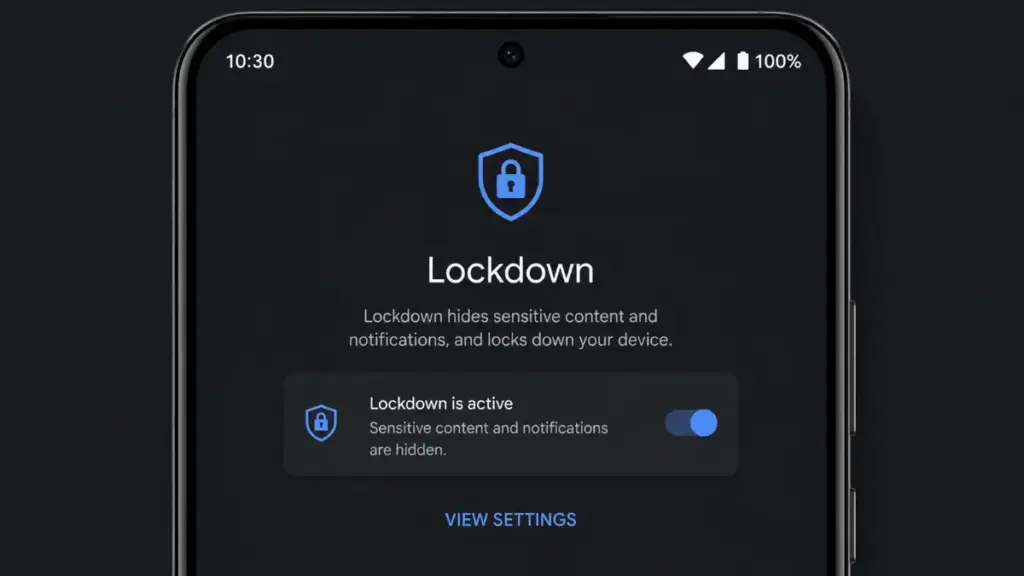
- Use Lockdown Mode: It forces a PIN entry and kills biometrics.
- Hardened Habits: Keep your phone out of sight in public areas.
“In an era of mass-market convenience, the power user’s greatest asset is the manual override—the ability to reject the default path for one of absolute integrity.”
Luna
Tools like Lockdown Mode for Android Security are essential. They provide a more controlled, intentional authentication experience that mitigates some of the platform’s forced defaults.
Enterprise-Grade Control vs. Consumer Defaults
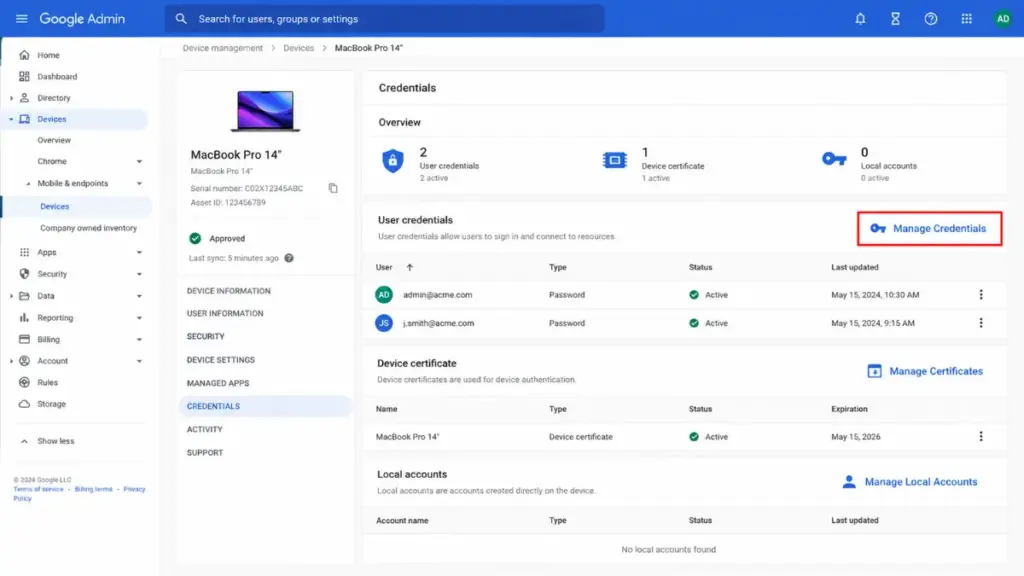
It is a well-documented reality that enterprise-level management consoles offer administrators the power to revoke or restrict the Passkey Google on Android instance on any managed device. This confirms that the technical capability to manage these credentials with surgical precision already exists in the backend. The restriction currently felt by individual users is a product of consumer-facing policy, not technical limitation. This discrepancy is what frustrates advanced users: the system is capable of being a power-user tool, but it is currently configured as a “black box” for the general population.
Balancing Convenience and Data Integrity
The push for a “passwordless” ecosystem is not inherently bad; it is the mandatory nature of the Passkey Google on Android implementation that disrupts established security workflows. Advanced users have spent years building redundant layers of protection—hardware keys, specialized password managers, and air-gapped backups. When a platform imposes a new authentication method that effectively overrides or simplifies those existing layers, it creates friction. To regain balance, power users must treat the Passkey Google as a convenience feature only, never as the primary guardian of their most sensitive data or high-value infrastructure.
The Reality of Biometric Security
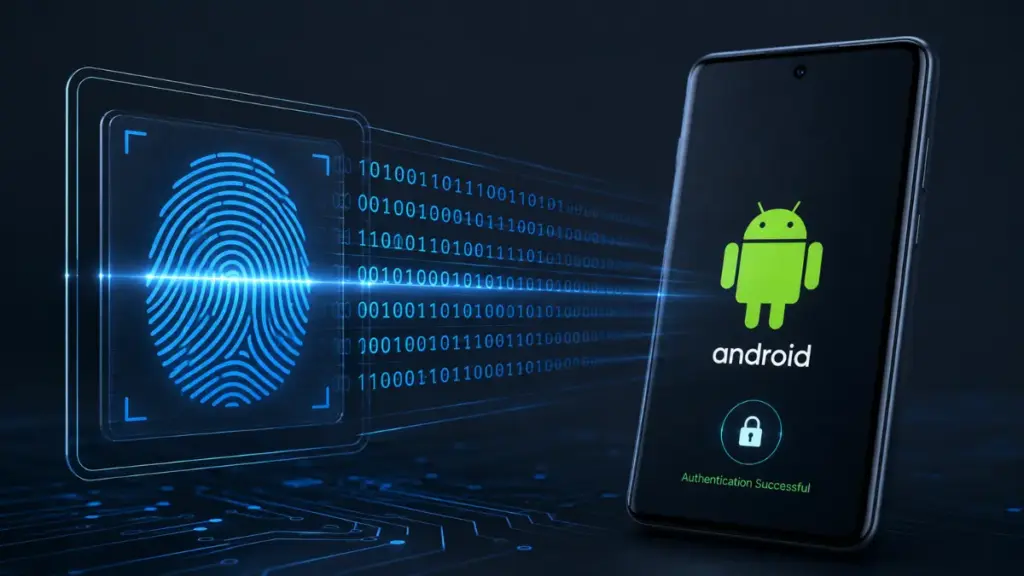
There is a recurring discussion regarding the utility of biometrics within the Passkey Google on Android framework.
More Read
- Convenience: Biometrics offer seamless, quick entry.
- Legal Risk: In many regions, your face or finger can be compelled as evidence.
- Mental Privacy: A passphrase held in your mind remains legally robust.
Relying on the Passkey Google plus biometrics creates a gap in your personal security policy. It is a trade-off that many power users are simply not willing to make.
Protecting Your Digital Perimeter
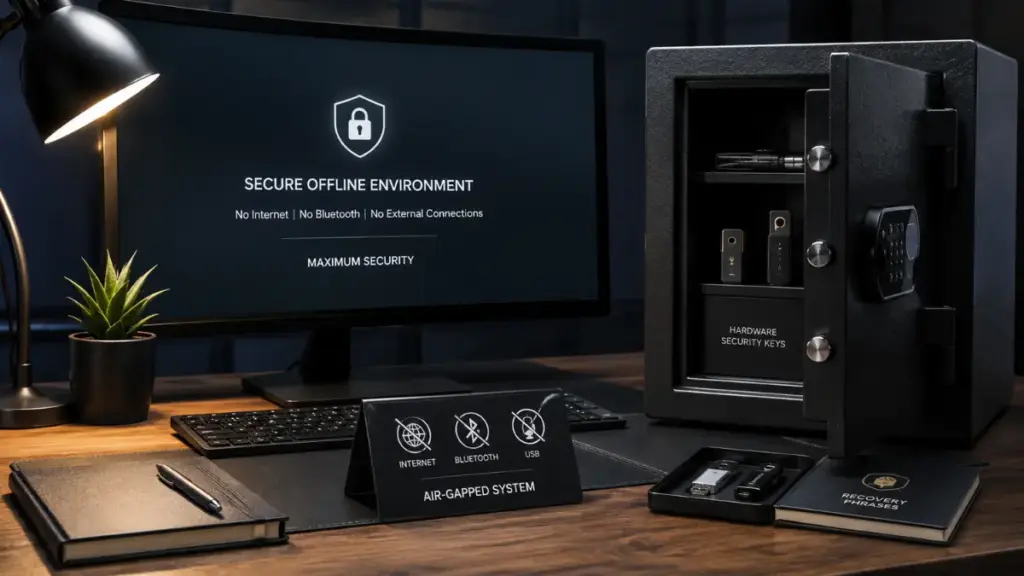
To effectively manage your data while using an Android device that utilizes a Passkey Google, you must decouple your most sensitive assets from the device’s daily identity. This means keeping your primary 2FA and sensitive credential management on external, hardware-bound platforms. Do not rely on your phone as your “everything” tool. If you are conducting operations that require extreme integrity, move them to a device where you have absolute control over the authentication stack. The Passkey Google is a utility for daily tasks, not the foundation of your digital fortress.
Entropy vs. Frictionless Design
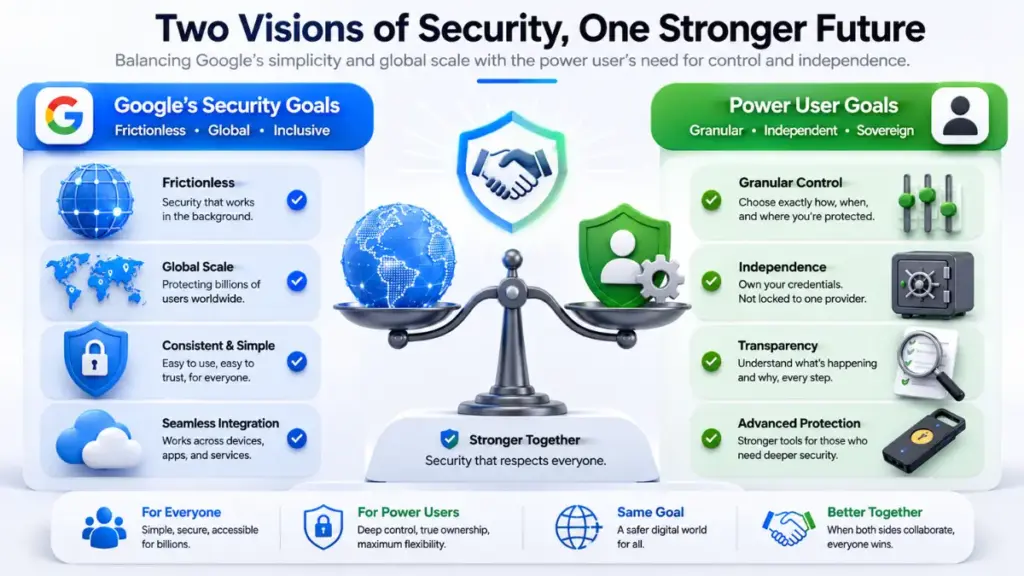
Ultimately, the friction between power users and Google stems from differing definitions of “security.” Google defines security as the absence of phishing and the prevention of unauthorized account takeover by remote attackers. Power users define security as the presence of granular control, transparency, and independence from a single platform. The Passkey Google on Android is a triumph for the former, but a challenge for the latter. Understanding this distinction is the first step toward managing your own digital security without being at the mercy of platform-wide defaults.
The Role of Hardware Keys
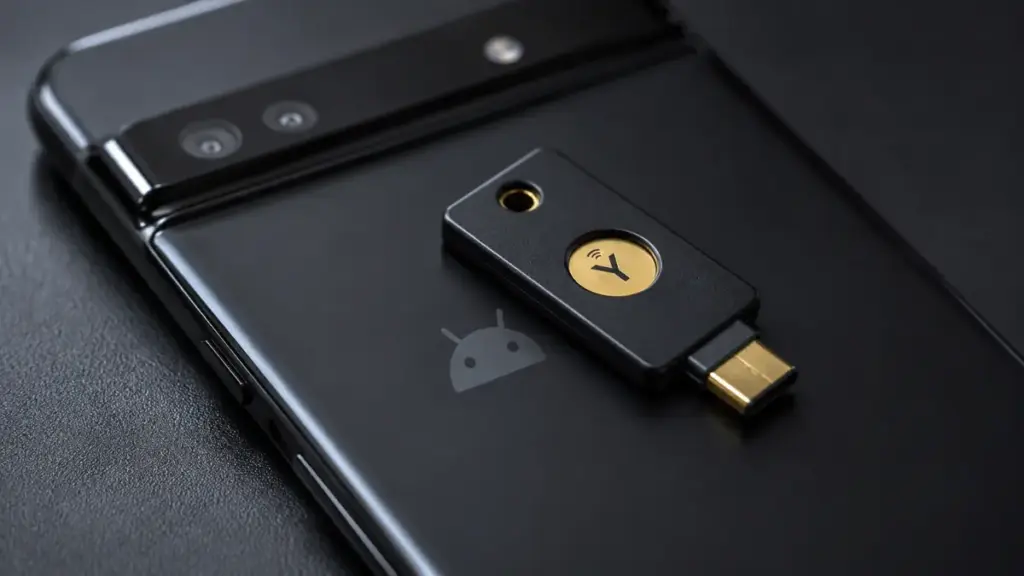
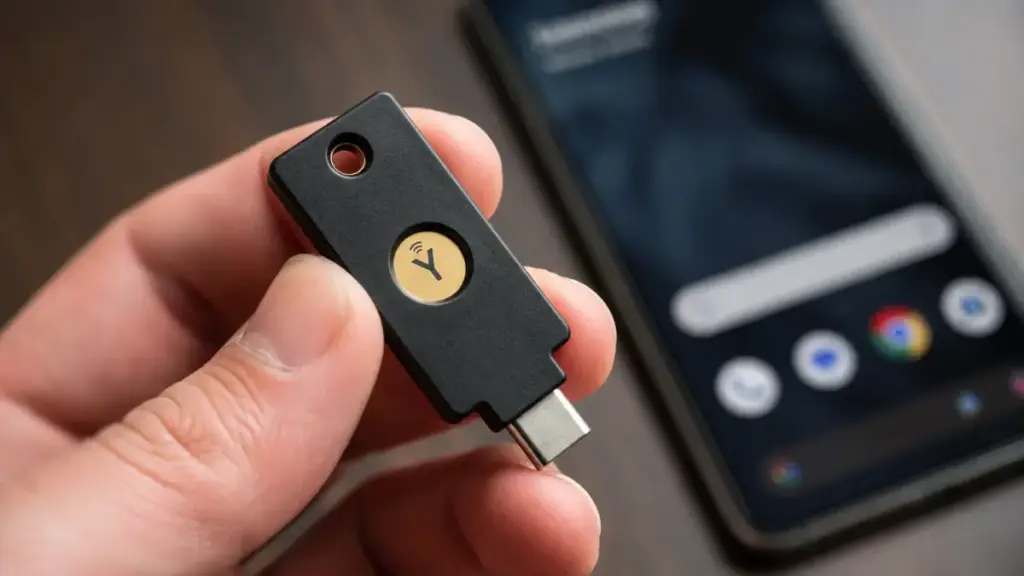
If you find the Passkey Google on Android insufficient, the most direct solution is the physical hardware key.
- Immune to Remote Compromise: They exist outside the network.
- Physical Security: No shoulder-surfing risks.
- Platform Independence: You own the credential.
By moving your core authentication to a Yubikey, you render the Passkey Google a lower-privileged credential.
Final Thoughts: Ownership of Security
You own your data, and therefore, you must own your authentication process. While Google offers a convenient system, remember that the Passkey Google on Android is their architecture, designed for their infrastructure. If you demand more, you have to build it yourself through external hardware and disciplined security habits. Do not let platform defaults become the ceiling of your potential protection.
IF YOU HAVE DEVELOPED A CUSTOM WORKFLOW TO SECURE YOUR ACCOUNTS BEYOND THE LIMITATIONS OF THE DEFAULT AUTHENTICATION, LEAVE A COMMENT BELOW OR FOLLOW THE COUCH INSIDER TO KEEP UPDATED ON THE REAL THREATS TO YOUR DATA.