

Next-Gen Microsoft Copilot App: The Evolution from AI Assistant to Autonomous Teammate
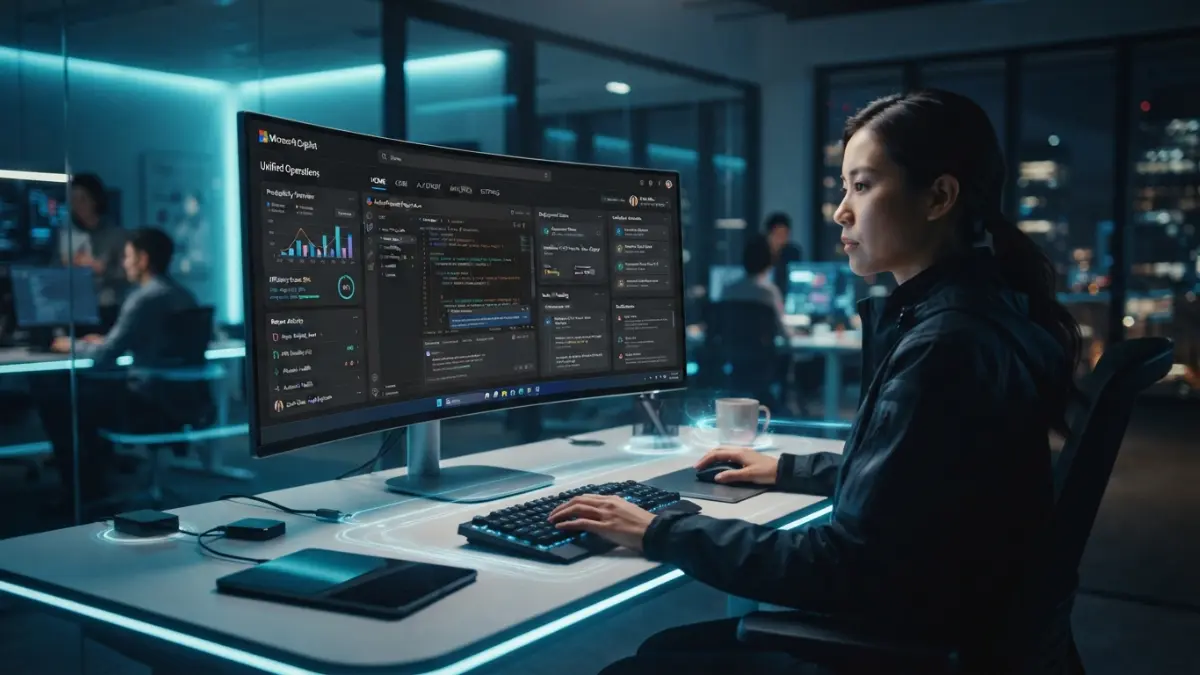
Microsoft has unveiled a bold strategic transformation: a complete architectural overhaul of its Copilot app. Moving past floating sidebar windows and scattered Office add-ins, the new Copilot functions as a unified, self-directed “Super App” capable of executing end-to-end workflows—from coding and document creation to autonomous background operations while you sleep.
This analysis explores the strategic shifts, technological foundations, and practical business implications of Microsoft’s agentic AI ecosystem.
1. The Three New Core Pillars: Home, Code, and Autopilot
Rather than forcing users to toggle between isolated applications—such as Word for writing, GitHub Copilot for software development, or Teams for task delegation—Microsoft consolidates its suite into a single Copilot application organized around three main tabs:
- Home Tab (Workspace & Co-creation Hub): Merges conversational chat with real-time Cowork capabilities. Unlike static chat windows that output raw text, Home interacts directly with Microsoft 365 file structures. When requesting budget forecasts or executive summaries, Copilot generates natively formatted Excel workbooks and Word documents, allowing teams to edit collaboratively in real time.
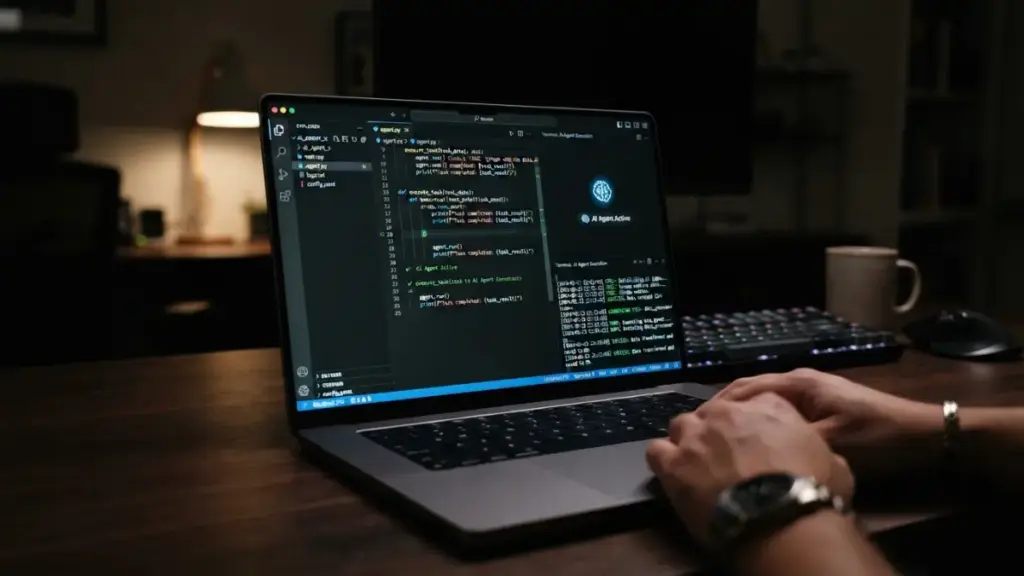
- Code Tab (Barrier-Free Engineering): Powered by GitHub Copilot’s core architecture, this workspace enables both seasoned developers and non-technical business professionals to build software and automate logic using natural language. All code executes securely within the Microsoft Copilot Managed Runtime environment, fully protected under enterprise M365 governance.
- Autopilot Tab (Autonomous Digital Teammates): The most significant technological leap in the app. Formerly codenamed Scout, Autopilot does not wait for manual prompts. Once assigned a designated role and goal (e.g., “Manage vendor compliance review workflows”), Autopilot formulates its own execution strategy, dispatches follow-up emails, schedules meetings, and compiles status reports—operating continuously even when your workstation is powered off.
2. The Shift from Passive AI Assistants to Agentic AI
The primary architectural shift in the new Copilot lies in its proactive agency.
Traditional AI models function as passive assistants: a user inputs a prompt, and the model generates a single response. Through the Autopilot framework, Microsoft introduces Agentic AI (Digital Coworkers):
- Agents possess dedicated Outlook and Teams accounts backed by cloud-hosted virtual machines.
- They participate directly within corporate workflows under strict IT oversight and access permissions.
- They handle intelligent workflow routing: typing “I want to launch a new product campaign” prompts Copilot to automatically route strategic planning through Chat, document generation through Cowork, and background market research through Autopilot.
3. Financial Management: Navigating Consumption-Based Pricing
The exponential increase in compute power required to run background autonomous agents has led Microsoft to update its commercial billing architecture, presenting new considerations for IT administration:
| Pricing Model Type | Target Capabilities & Modules | Billing Mechanism | Administrative Cost Control |
| User Subscription License (USL) | Standard Chat, Office Assistant, Basic Queries | Fixed monthly rate per seat | Predictable recurring operational expenditure |
| Usage-Based Billing (UBB) | Cowork, Code Runtime, Autopilot Agents | Metered credit consumption based on compute load | Managed via FinOps quotas and departmental caps |
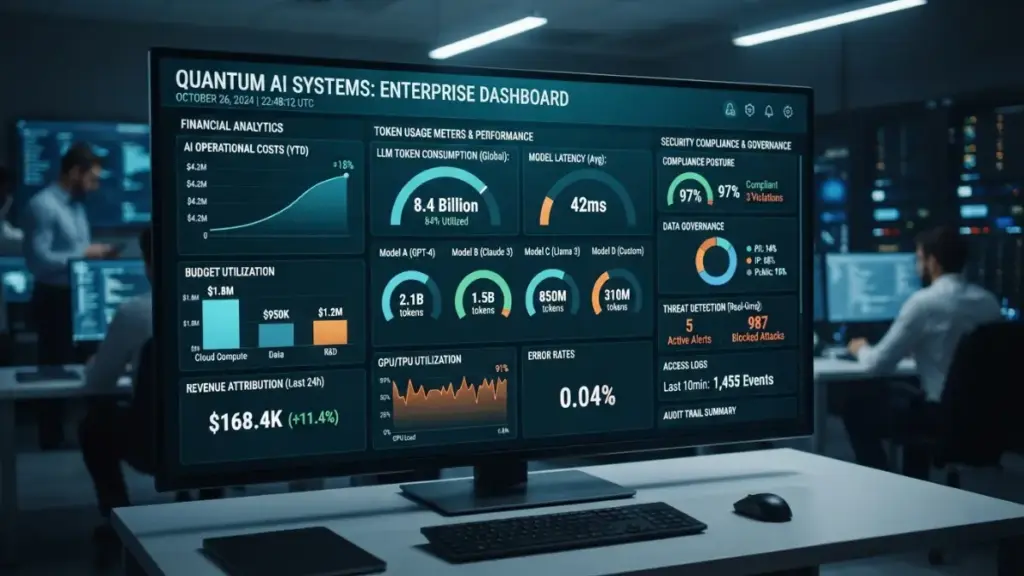
To prevent runaway costs from unmonitored background agents, Microsoft includes native FinOps for AI tools. This governance dashboard allows system administrators to enforce spending caps, mandate manager approvals, and assign specific AI model tiers across departments.
More Read


Strategic Perspective: Opportunities and Operational Challenges
Key Advantages:
- Elimination of Workflow Fragmentation: Users no longer need to switch context across disjointed tools. Business intelligence data, Office documents, and email threads converge through a unified layer (via Microsoft Fabric integration).
- True Labor Liberation: Rather than merely drafting email text, autonomous agents monitor inbox threads, follow up with stakeholders, and confirm deliverable completion.
Operational Challenges:
- Security & Governance Risks: Granting autonomous agents permission to send external emails, access confidential databases, and execute logic introduces new cybersecurity attack surfaces.
- Hallucination & Execution Accuracy: Ensuring background agents do not issue incorrect communications to clients while running unsupervised remains a critical operational priority.
- Budget Volatility: Metered Usage-Based Billing (UBB) can introduce budget unpredictability for small-to-medium enterprises without strict FinOps oversight.
“As artificial intelligence transitions from conversational search to autonomous execution, organizational competitive advantage will no longer be measured by who prompts better, but by who governs digital coworkers more effectively.”
Luna
Conclusion
Microsoft’s revamped Copilot app represents more than a visual refresh; it signals a fundamental evolution in human-computer interaction. The industry focus is pivoting from how intelligent an AI model is to how autonomously an AI agent can execute complex work with minimal human friction.
As Microsoft deploys this architecture worldwide, enterprise leadership must prepare to onboard, manage, and govern their first generation of digital coworkers.