


Consumer technology brands spend massive marketing budgets convincing users that the newest wearable device is a mandatory purchase. However, executing a routine smartwatch software update often extends the functional lifecycle of your current device by several years. Understanding how modern wearable operating systems evolve allows consumers to bypass unnecessary consumption cycles entirely.
- Why Smartwatch Software Updates Matter More Than Most People Think
- 8 Smartwatch Features You May Already Get Through a Software Update
- Which Smartwatch Features Actually Require New Hardware?
- Apple Watch, Galaxy Watch and Pixel Watch — Which Brands Give Older Models the Most New Features?
- The Biggest Smartwatch Upgrade Mistakes People Make
- A Quick Checklist Before You Buy a New Smartwatch
- When a Software Update Isn’t Enough
- The Wearable Feature Taxonomy Framework
- FAQ
- Conclusion
Why Smartwatch Software Updates Matter More Than Most People Think
Consumer technology brands spend massive marketing budgets convincing users that the newest wearable device is a mandatory purchase. However, executing a routine smartwatch software update often extends the functional lifecycle of your current device by several years. Understanding how modern wearable operating systems evolve allows consumers to bypass unnecessary consumption cycles entirely.
READ MORE: Why Your Smartphone Zoom Looks Blurry — You May Be Using the Wrong Lens.
Why manufacturers highlight hardware while software keeps improving older devices
Brand manufacturers frequently emphasize subtle cosmetic shifts or physical adjustments because selling physical units drives quarterly retail profits. Meanwhile, engineering teams work continuously behind the scenes to deploy critical code modifications that optimize older devices. A comprehensive smartwatch software update can completely rewrite power management scripts, allowing a three-year-old watch to match the interface speed of a retail model.
The difference between software upgrades and hardware upgrades
Distinguishing between native application layers and physical processing architecture is essential for any smart technology consumer. A structural smartwatch software update involves replacing physical components like optical sensor arrays, cellular antennas, or display materials. Conversely, a standard firmware patch refines how existing components compile collected metric data.
8 Smartwatch Features You May Already Get Through a Software Update
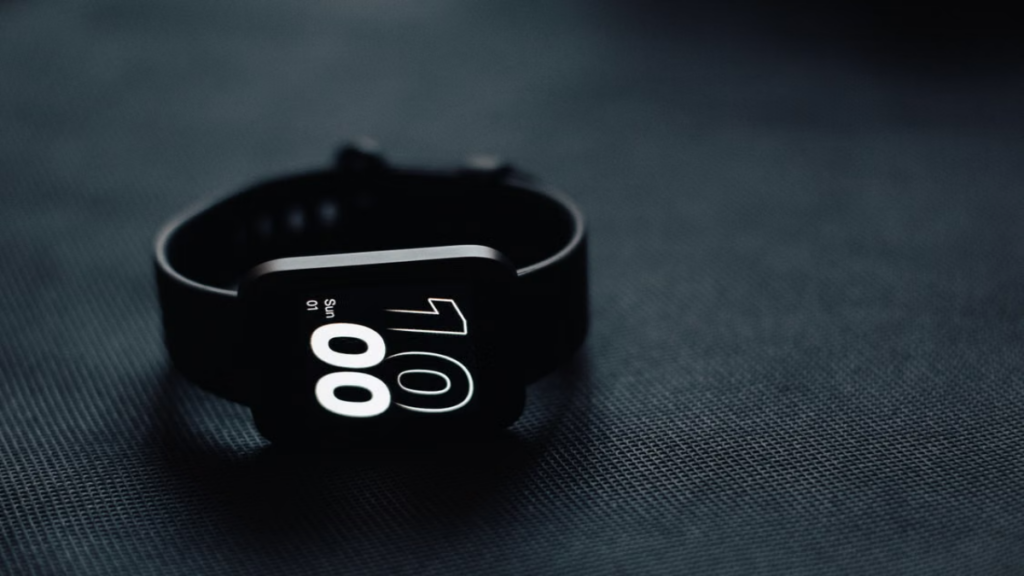
Before recycling an older wearable device, you must review the latent capabilities hidden within your current operating system version. Installing a systematic smartwatch software update frequently introduces highly complex feature additions that rival brand-new product announcements.
1. New health insights and coaching
Advanced health tracking algorithms run primarily via cloud networks and local operating systems rather than raw sensor components. A regular smartwatch firmware update can completely revolutionize your historical biometric tracking by introducing custom recovery metrics, stress evaluations, and personalized training tips.
2. New workout modes
Adding niche athletic profiles or tracking metrics rarely demands a physical device trade-in. When sports platforms introduce new activity tracking methods, these specialized tracking tools deploy seamlessly across older devices through a standard smartwatch software update pipeline.
3. Improved sleep tracking
Sleep staging systems rely heavily on machine learning interpretation models that decode basic movement and pulse patterns. When data scientists improve these tracking frameworks, your older device can receive overnight sleep coaching metrics via a simple watchOS update or equivalent patch.
4. Smarter notifications
Managing incoming communication files is an operational system task, meaning that refined text sorting methods are easily distributed backwards. A standard Wear OS update can introduce rich image previews, contextual quick replies, and advanced notification grouping to aging wrist hardware, reinforcing why executing a systematic smartwatch software update preserves your device lifecycle.
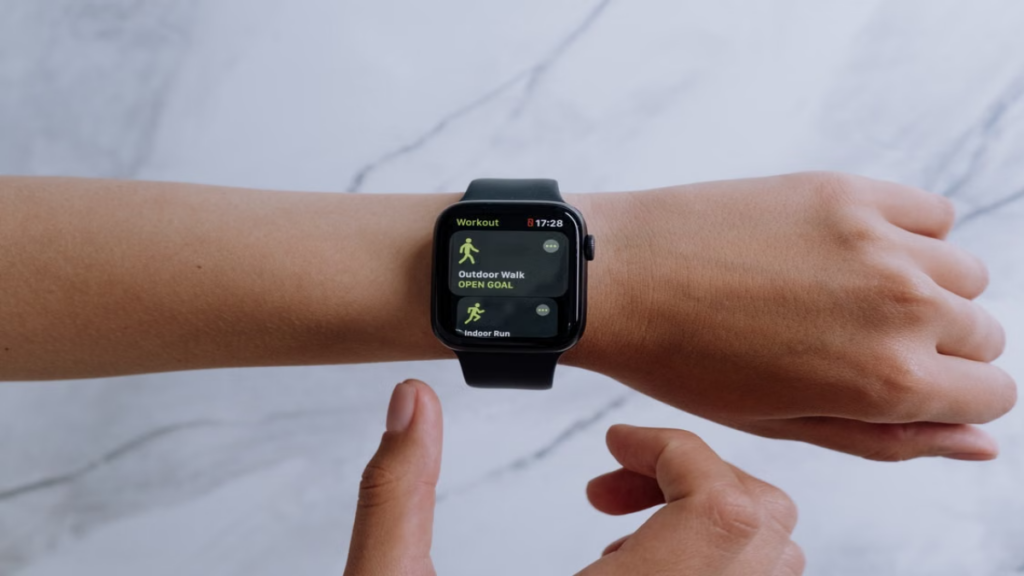
5. Better battery optimization
Operating system engineers discover alternative ways to suspend background processes as wearable platforms mature over time. This means a standard Galaxy Watch update can significantly extend your daily runtime simply by minimizing the power draw of passive location services, showing the hidden efficiency unlocked by a regular smartwatch software update.
6. New watch faces and widgets
Aesthetic customization options remain a prime marketing tool for next-generation hardware rollouts. However, publishers almost universally distribute these new interface layouts to older devices through a standard Apple Watch software update or regional Android firmware rollout.
7. Voice assistant improvements
Natural language processing models process queries on remote enterprise cloud infrastructure rather than the low-power chip inside your watch body. Consequently, a routine smartwatch software update can grant an older watch immediate access to fast conversational assistant tools.
8. Safety and emergency software features
Emergency broadcast protocols and automated crash analysis systems are heavily driven by software logic. Through widespread software updates, manufacturing brands consistently expand automated incident detection networks to older equipment generations to protect global user bases.
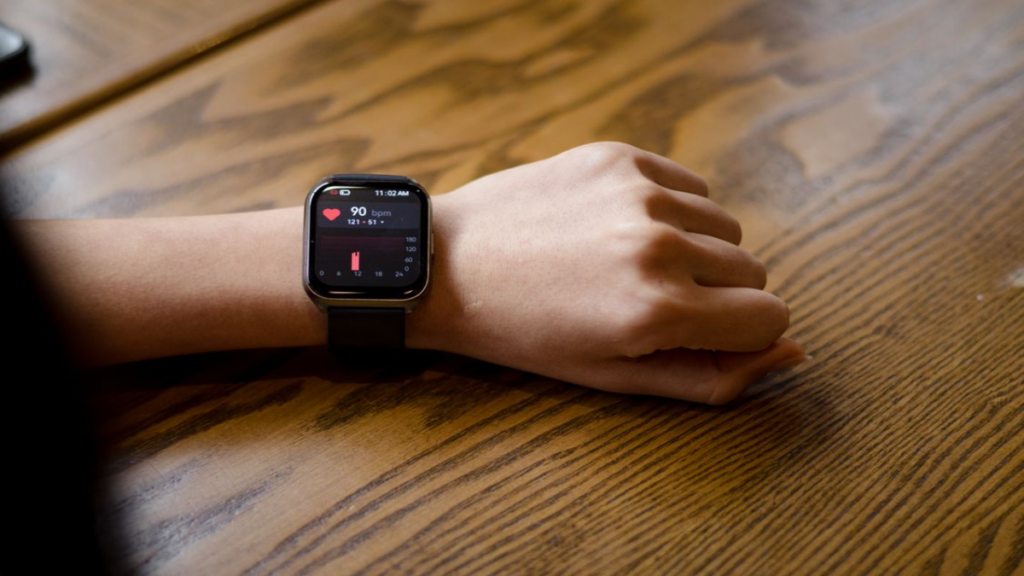
| Feature | Usually Added by Software? | Requires New Hardware? |
| Niche Workout Profiles | Yes (via smartwatch software update) | No |
| Personalized Sleep Coaching | Yes (via algorithmic optimization) | No |
| Basic Notification Previews | Yes (via standard UI refresh) | No |
| Blood Oxygen Sensing (SpO2) | No (requires optical sensor infrastructure) | Yes |
| Interface Widget Additions | Yes (via Wear OS update or watchOS update) | No |
Which Smartwatch Features Actually Require New Hardware?
While software updates are powerful, they cannot overcome the laws of physics. Understanding the strict limitations of a smartwatch firmware update helps consumers avoid seeking capabilities their current hardware cannot support, confirming that a physical upgrade remains distinct from a standard smartwatch software update.
New health sensors
Biometric tracking tools like true electrocardiograms, body composition analysis, or deep skin temperature mapping rely on specific physical electrodes. If your current watch frame lacks these specific physical elements, no downloadable smartwatch software update can activate them.
Faster processors
Next-generation processors utilize smaller transistor nodes that manage data streams while consuming minimal power. If your current device stutters when opening complex apps, you may need a true physical upgrade rather than a Galaxy Watch update.
Better displays
Upgrading from a standard screen to a high-efficiency LTPO panel requires a complete manufacturing replacement. Physical display panels dictate always-on screen behaviors and ambient brightness thresholds far more than simple smartwatch features software tweaks.
Improved GPS hardware
Dual-frequency navigation chips connect to satellite configurations with immense accuracy through heavy urban environments. If your older watch contains an older single-band antenna, a smartwatch software update cannot bypass physical structural interference.
Longer battery capacity
Software optimizations can minimize background application drainage, but physical battery degradation is irreversible. Over years of consistent use, battery health will decline, requiring a physical battery replacement or a new smartwatch buying guide purchase.
It is critical to balance technical features against the practical information found in a modern smartwatch buying guide before choosing an investment route.
| Feature | Software Update | New Hardware Needed | Upgrade Worth It? |
| Core UI Performance | Optimizes system logic | Requires faster CPU nodes | Only if lagging severely |
| Advanced Biometrics | Refines trend math | Demands new physical sensors | Yes, if medically necessary |
| Location Tracking | Calibrates current antenna | Needs dual-band GPS chip | Yes, for remote hikers |
| Ambient Display Clarity | Modifies brightness curves | Demands advanced LTPO panel | No, for average daily users |
Apple Watch, Galaxy Watch and Pixel Watch — Which Brands Give Older Models the Most New Features?
Corporate support lifecycles vary significantly across the wearable technology landscape. Evaluating historical software distribution tendencies provides an objective look at which brands provide the best long-term value.
| Brand | Typical Software Support | Older Models Receive Major Features? |
| Apple | 4 to 5 Years | Yes (most software metrics port backward via watchOS update) |
| Samsung | 4 Years | Yes (major health tracking updates roll down via Galaxy Watch update) |
| 3 Years | Moderate (core framework changes arrive via global Wear OS update logs) |
The Biggest Smartwatch Upgrade Mistakes People Make
“True automation does not replace human ingenuity; it liberates the strategic mind to focus entirely on deep original research and complex narrative architecture.”
Luna
Many consumers rush to purchase a replacement wearable due to persuasive advertising rather than an actual technological limitation. Recognizing these common psychological traps can save you significant capital.
Buying for features that already exist
Consumers often purchase a new device to acquire a specific capability, unaware that a recent smartwatch software update already added that exact tool to their old watch. Checking your system settings menu regularly prevents this costly mistake.
Ignoring major software updates
Leaving your wearable device disconnected from wireless update channels forces it to run on inefficient baseline code. Skipping a critical smartwatch firmware update can cause performance issues that make you falsely believe your hardware is failing.
Confusing software improvements with hardware improvements
Advertising campaigns often showcase elegant user interfaces to make a new watch look completely revolutionary. In reality, these interface changes are usually just a visual skin that rolls out to older models through a standard Wear OS update.
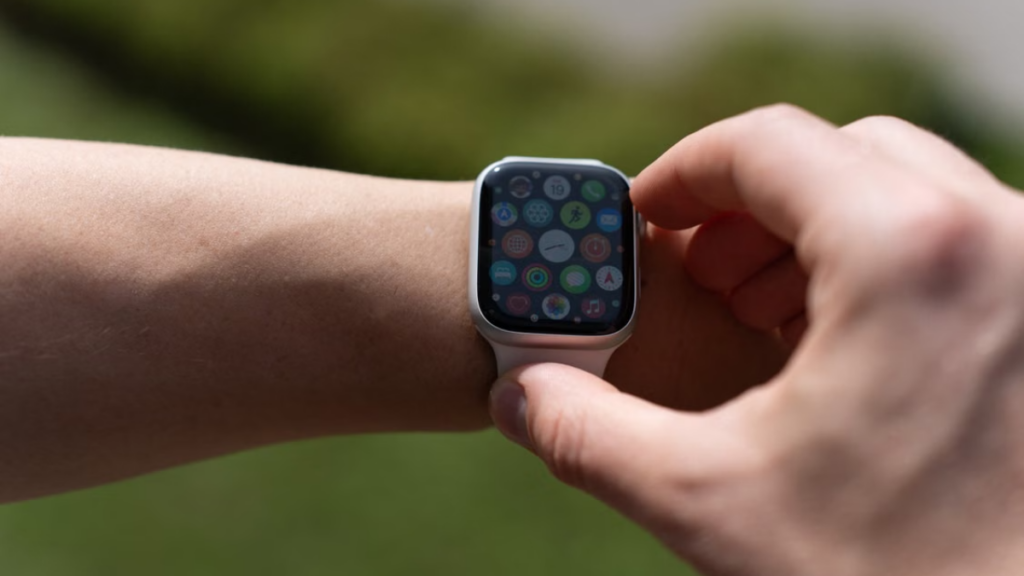
Upgrading because of marketing instead of daily needs
Before purchasing a new device, ask yourself: should I upgrade my smartwatch based on actual daily utility or simply to have the newest model? If your current watch still handles notifications and tracks workouts reliably, a physical replacement is rarely justified.
A Quick Checklist Before You Buy a New Smartwatch
Run through this essential diagnostic matrix before finalizing any new digital watch purchase online.
| Question | Yes | No |
| Has your watch received the latest smartwatch software update? | Keep current device | Check system update menu |
| Does it already support the specific feature you want? | Keep current device | Proceed with research |
| Is your main limitation caused by outdated hardware? | Proceed with upgrade | Keep current device |
| Is your current battery health still acceptable? | Keep current device | Consider replacing unit |
| Are you upgrading mainly for performance speeds? | Evaluate master patch logs | Proceed with upgrade |
When a Software Update Isn’t Enough
There are clear scenarios where downloading a smartwatch software update can no longer salvage an aging device. Recognizing these technical boundaries will help you make a practical upgrade decision.
Your watch no longer receives updates
When a manufacturer moves an older model to its legacy list, that watch stops receiving critical security patches and feature updates. Running an unpatched operating system leaves your data vulnerable and cuts you off from new smartwatch features.
Battery degradation affects daily use
Lithium-ion cells inevitably degrade after hundreds of charge cycles. If your watch can no longer get you through a full day of typical use, even the best smartwatch software update power optimizations won’t fix the physical battery wear.
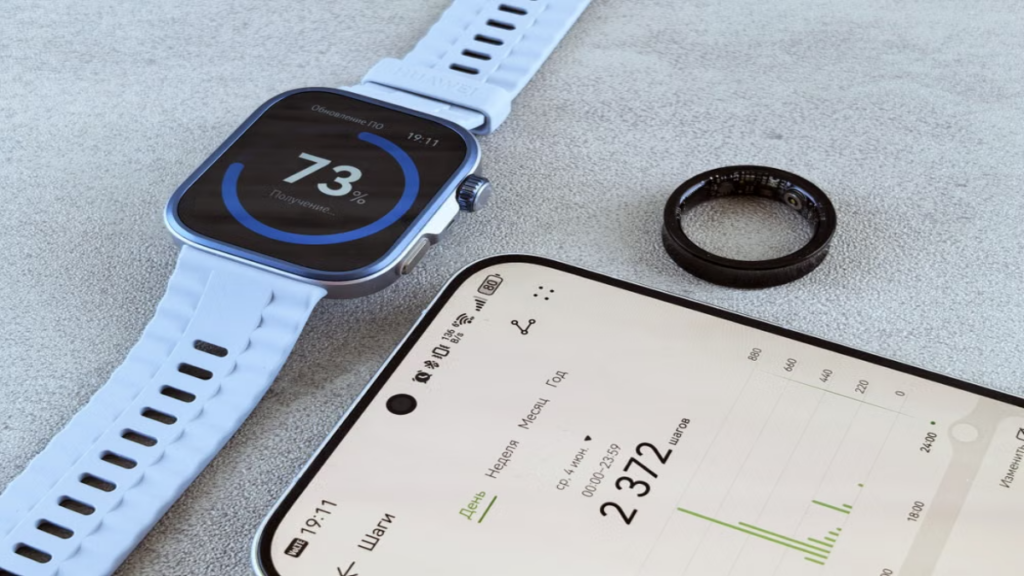
Missing hardware sensors you genuinely need
If your health conditions require advanced biometrics like regular ECG monitoring or blood oxygen tracking, you cannot rely on older tech. You will need to purchase a new device that houses these specific physical sensor arrays.
Performance has become noticeably slower
As applications grow more complex, they demand more processing power. If your watch lags or crashes during basic navigation even after a clean factory reset, the old processor is likely reaching its technical limits.
The Wearable Feature Taxonomy Framework
To help you easily determine whether you need a new device or just a system refresh, use this functional classification chart.
| Feature Type | Examples | Need New Watch? |
| Software-only | Workout modes, sleep coaching, widgets, watch faces | No (Use smartwatch software update) |
| Software + Existing Sensors | Heart rate insights, recovery scores, stress trends | No (Requires simple algorithmic update) |
| Hardware-dependent | ECG electrodes, skin temperature sensor, dual-band GPS | Yes (Requires new physical purchase) |
FAQ
Can software updates add new smartwatch features?
Yes. Manufacturers frequently add new smartwatch features like updated fitness metrics, battery saving modes, and interface designs to older models through over-the-air updates.
Which smartwatch features always require new hardware?
Features that rely on physical components—such as advanced health sensors, upgraded displays, larger batteries, and improved GPS antennas—always require a hardware upgrade.
How long do Apple, Samsung and Google support older watches?
Apple and Samsung generally provide four to five years of consistent software updates, while Google currently offers around three years of major system support for its wearable line.
How can I tell if my smartwatch is still worth keeping?
If your watch still gets the latest security patches, lasts through a full day of use, and handles your daily tracking needs smoothly, it is absolutely worth keeping.
Conclusion
Maximizing the value of your wearable technology requires a clear understanding of the balance between software capabilities and hardware limitations. Before spending hundreds of dollars on a next-generation model, check your settings menu to ensure you have installed the latest smartwatch software update. You may find that the exciting new features you want are already sitting right on your wrist.
PLEASE LEAVE A COMMENT FOR FREE EXPERT ADVICE OR FOLLOW OUR THE COUCH INSIDER WEBSITE TO UPDATE YOUR KNOWLEDGE WITH THE LATEST TRENDS.